
Find and Open Files
Search your Vault, preview files without downloading them, and add a file to a chat so Drylab can analyze it.
Search
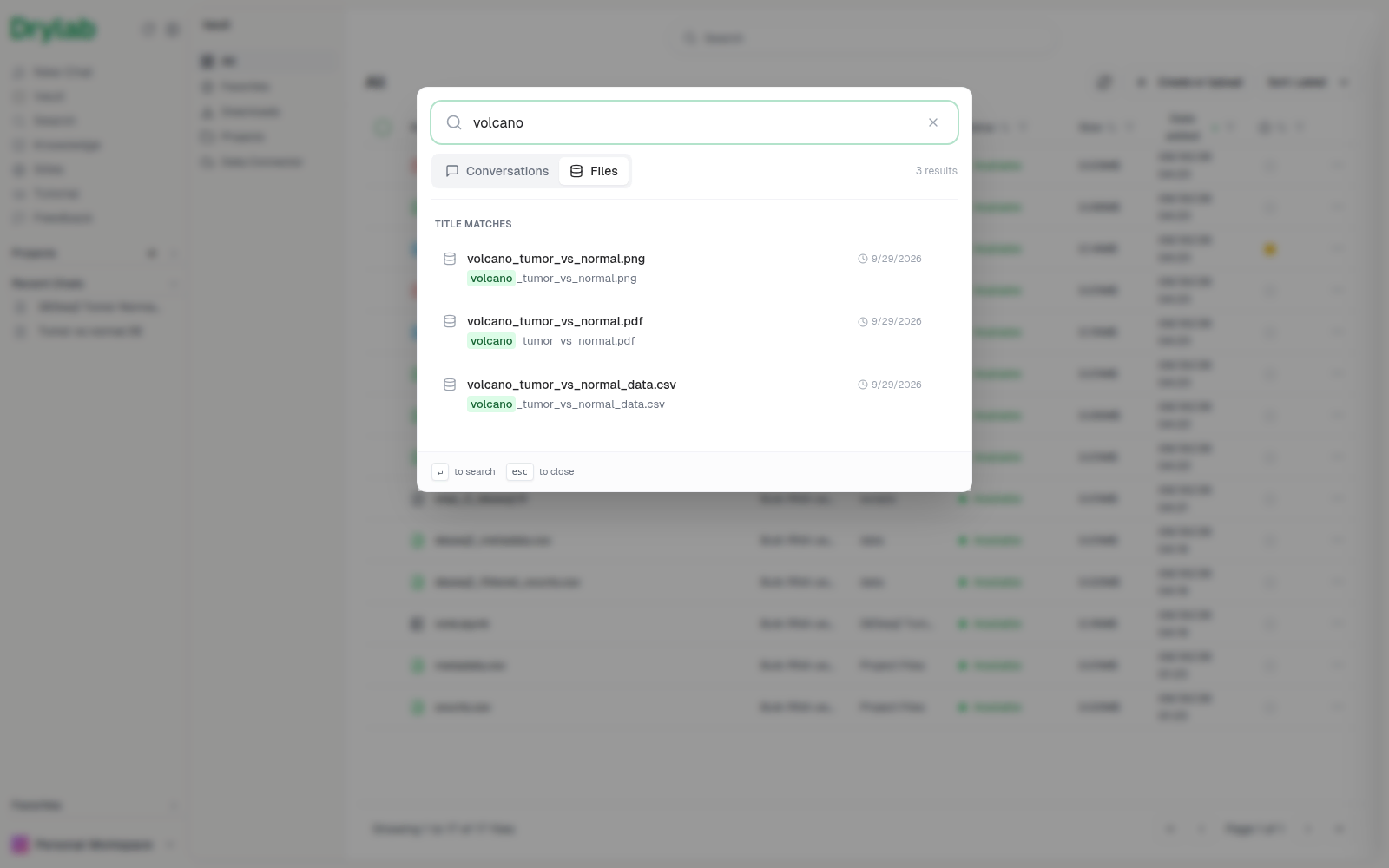
Click Search at the top of the Vault (or Search in the left sidebar) and type part of a file name. Results update as you type; press Enter to search right away. The Files tab lists matching files and Conversations lists matching chats. From the left sidebar, the dialog may open on Conversations; switch to Files.
Click a file to open its folder in the Vault with the preview already open.
You can also browse: open Projects, then click through the project, History and chat folders.
Preview a file
Click a file (or choose View File from its ... menu) to preview it next to the file list.
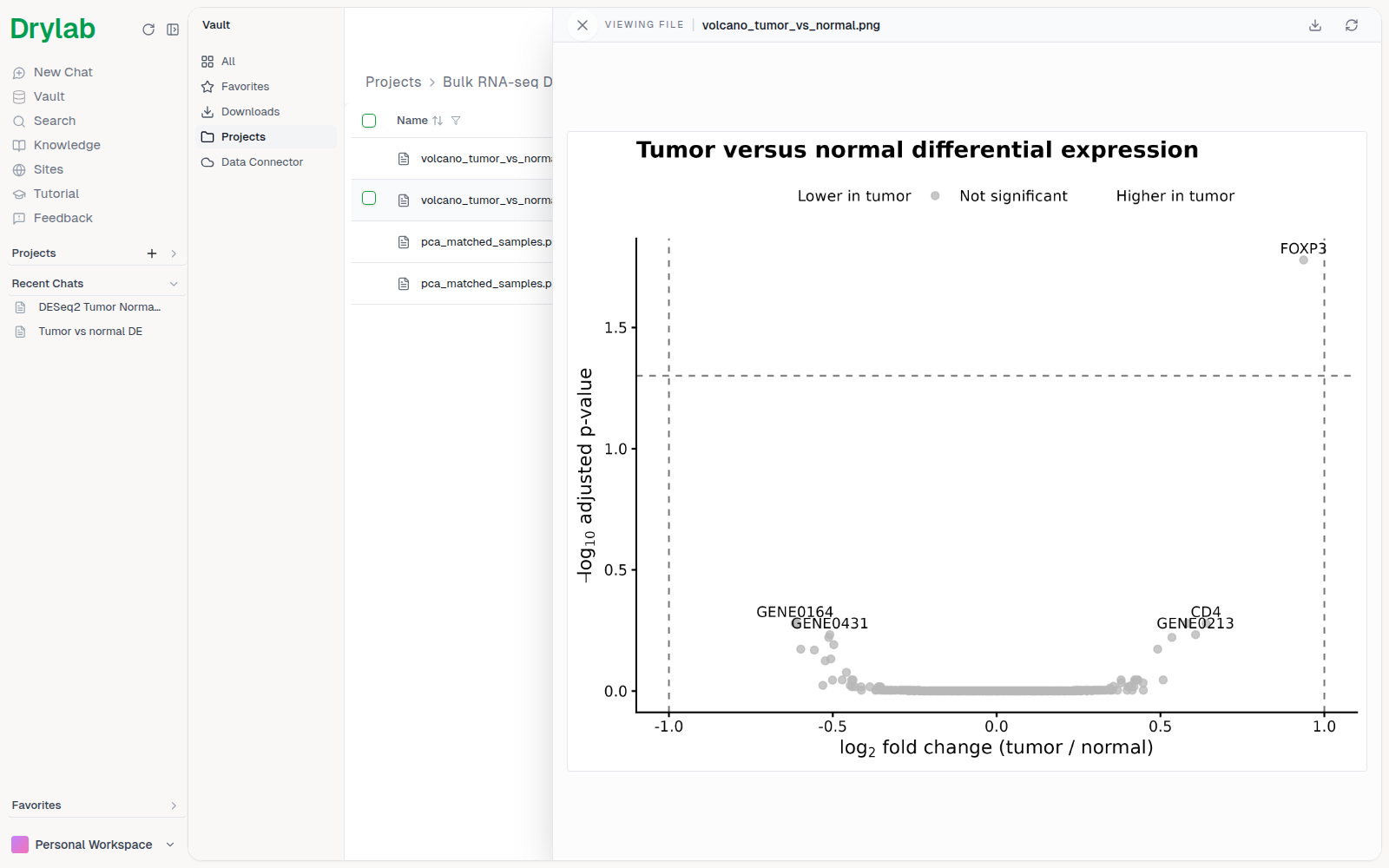
The preview supports the most common research formats, including:
- Images (PNG, JPG, SVG) and PDFs
- Tables (CSV, TSV, Excel)
- Code and text (Python, R, shell, Markdown, JSON)
- Notebooks (
.ipynb) - Documents and slides (Word, PowerPoint)
- Molecular structures (PDB, mmCIF) and sequences (FASTA, GenBank)
- Genomics files (BAM, VCF, BED, bigWig) and phylogenetic trees
In the Vault, files over 10 MB may load slowly and files over 100 MB can't be previewed. In a chat's File panel, files over 10 MB can't be opened. Download larger files instead.
Use a file in a chat
To analyze a file, mention it with @ in the chatbox, or select it in the Vault and click Start Analysis.