
Knowledge
Browse the built-in skills Drylab follows, and create your own skills from a conversation, your materials, or by hand.
Skills are step-by-step protocols that tell Drylab how to do a specific kind of analysis well: which methods to use, which parameters to check, and what good results look like. Drylab reads the matching skill automatically when your request fits it.
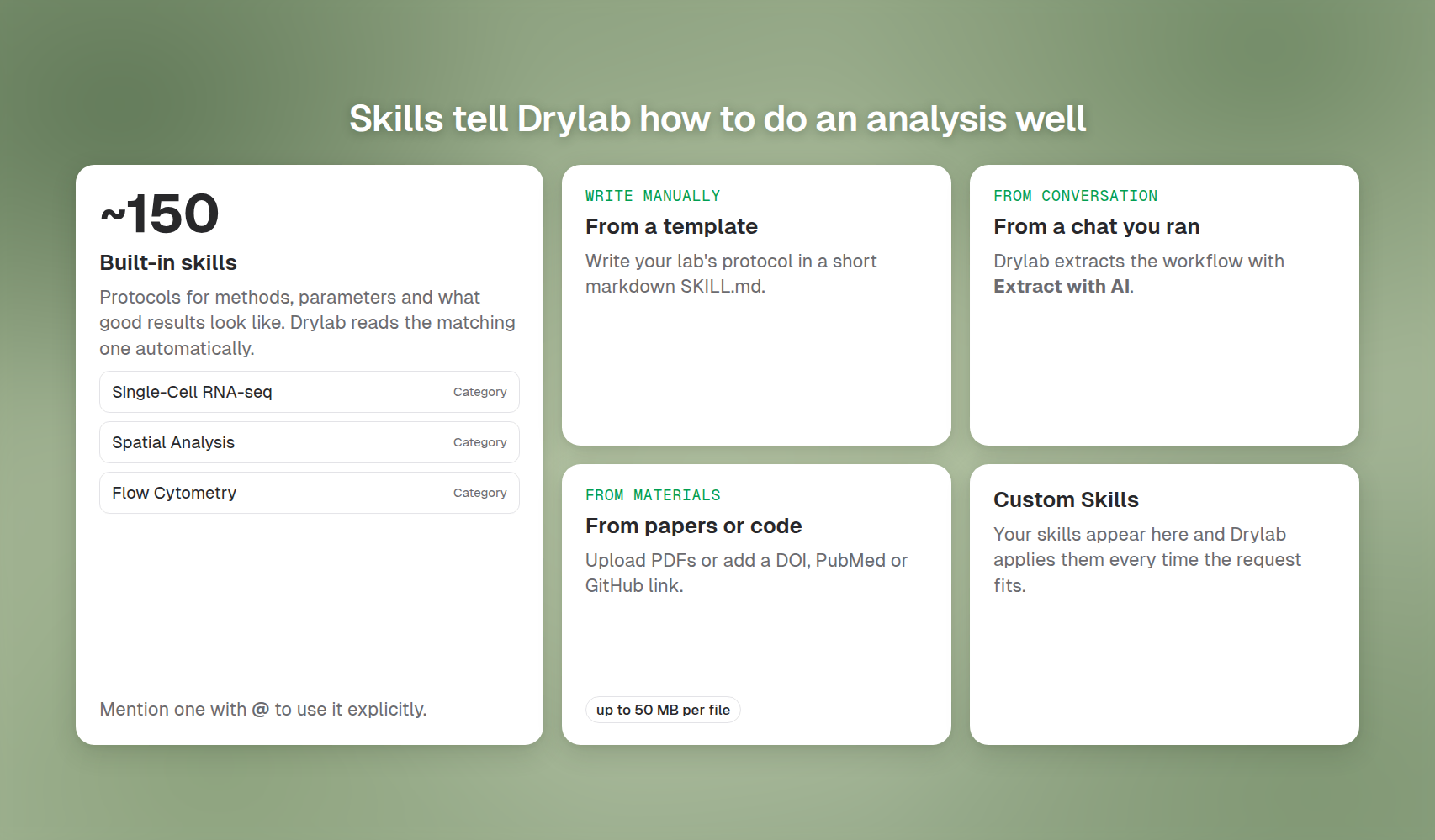
Open Knowledge in the left sidebar to see them.
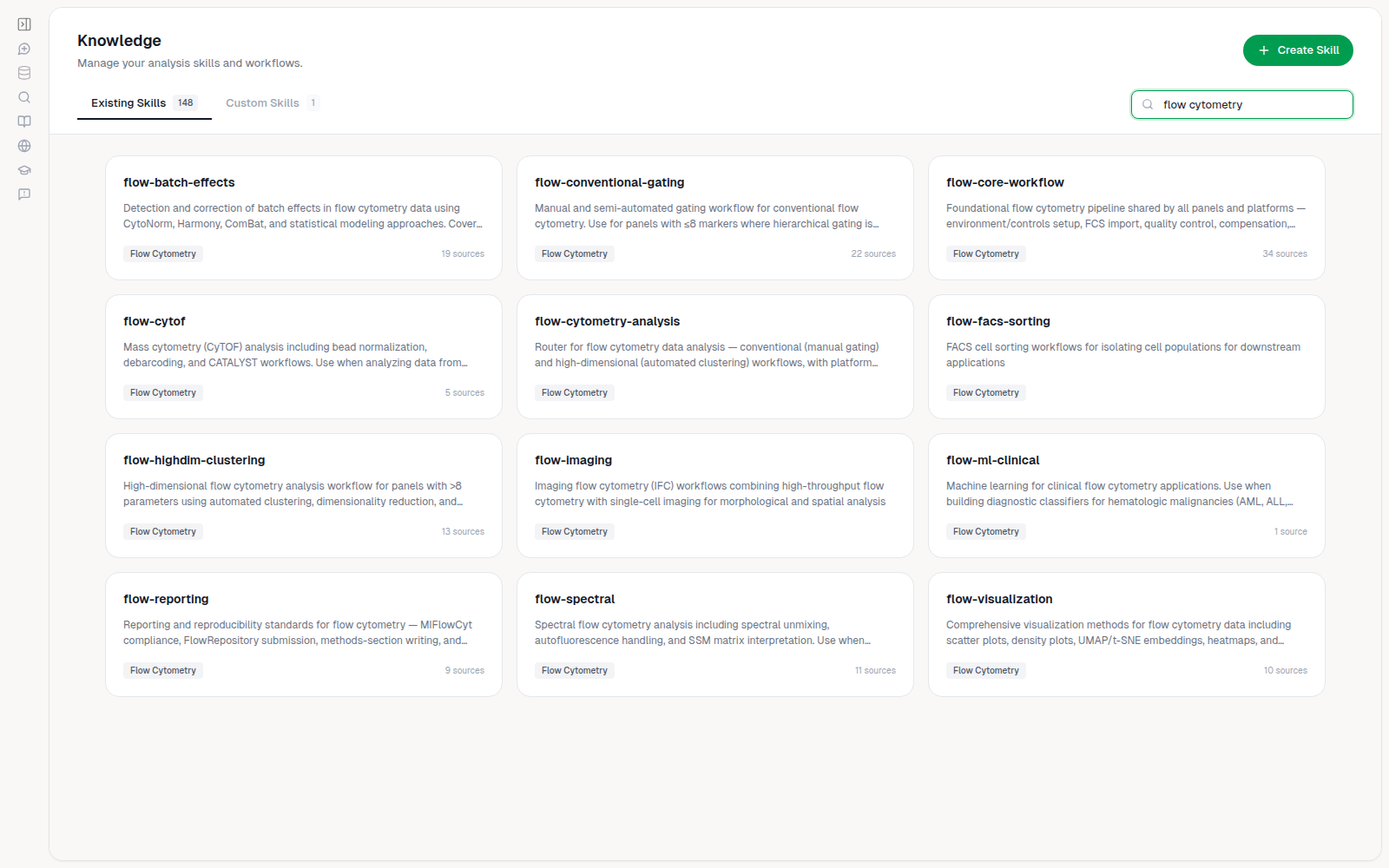
Existing Skills
Existing Skills lists the skills that come with Drylab (about 150), sorted by name. Each card shows its category, for example Single-Cell RNA-seq, Spatial Analysis or Flow Cytometry. Search skills... matches the name, description or category. Click a skill to read its description.
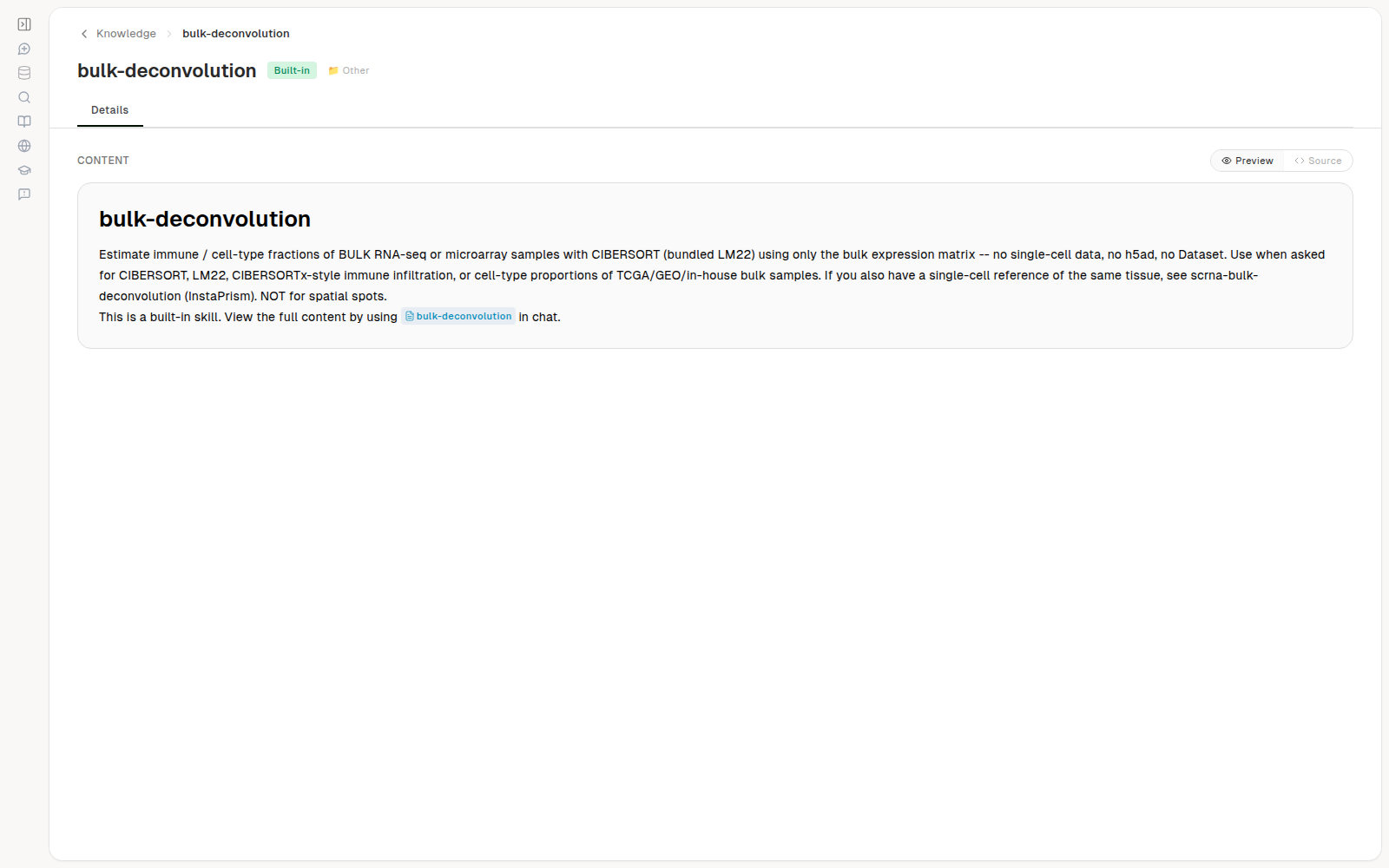
Built-in skills are read-only. You can't mention a skill with @: Drylab picks the matching skill on its own. To steer it toward one, name the skill in your request.
Custom Skills
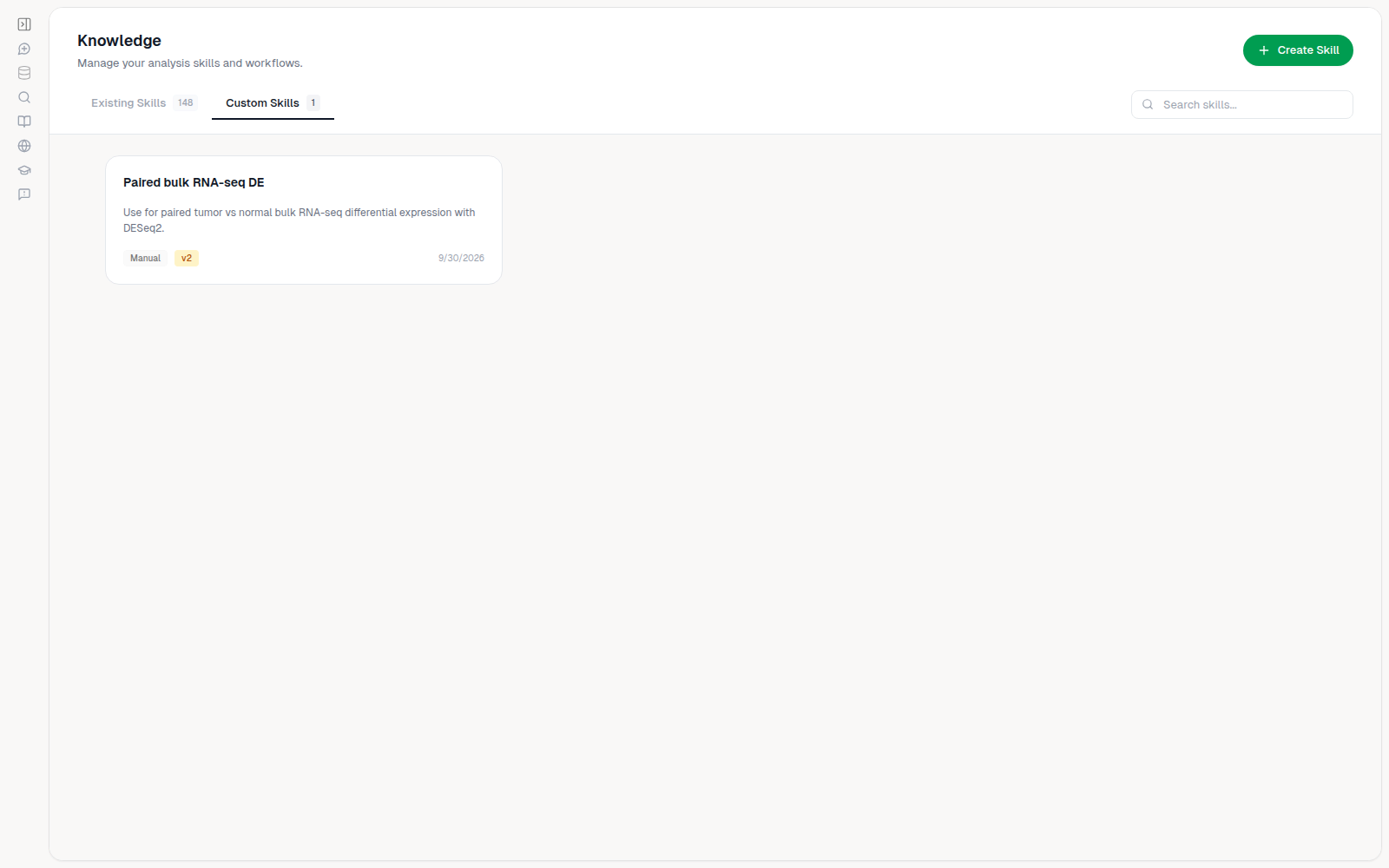
Custom Skills holds skills you create. Use them to capture your lab's own protocols, then name the skill in your request so Drylab looks it up.
Create a skill
Click Create Skill (or Create Your First Skill) and choose how to start:
| Option | Use it when |
|---|---|
| Write Manually | You want to write the protocol yourself, starting from a template. |
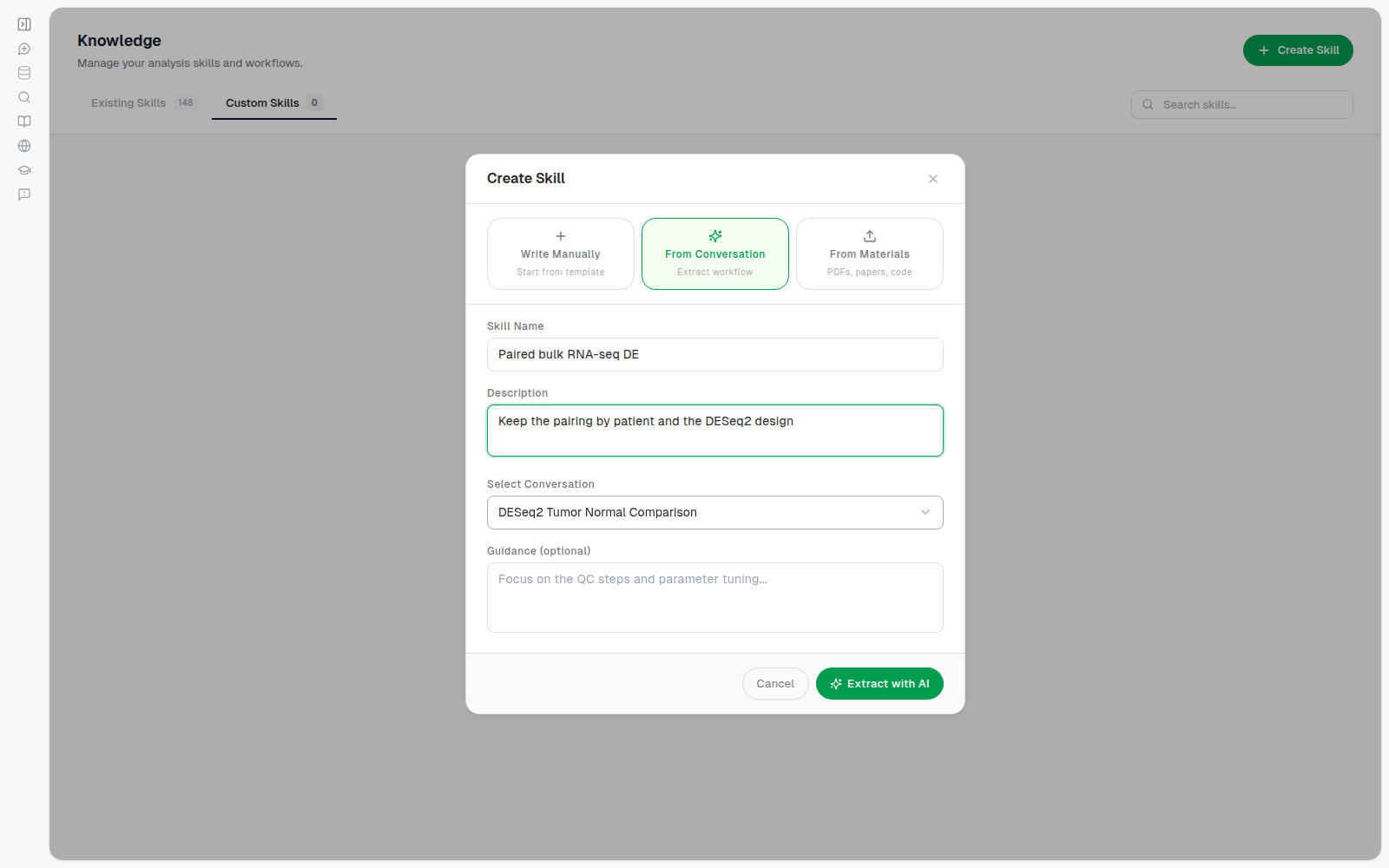
| From Conversation | You ran an analysis you want to reuse. Drylab extracts the workflow from that chat. |
| From Materials | You have papers, PDFs, code or documentation that describe the method. |
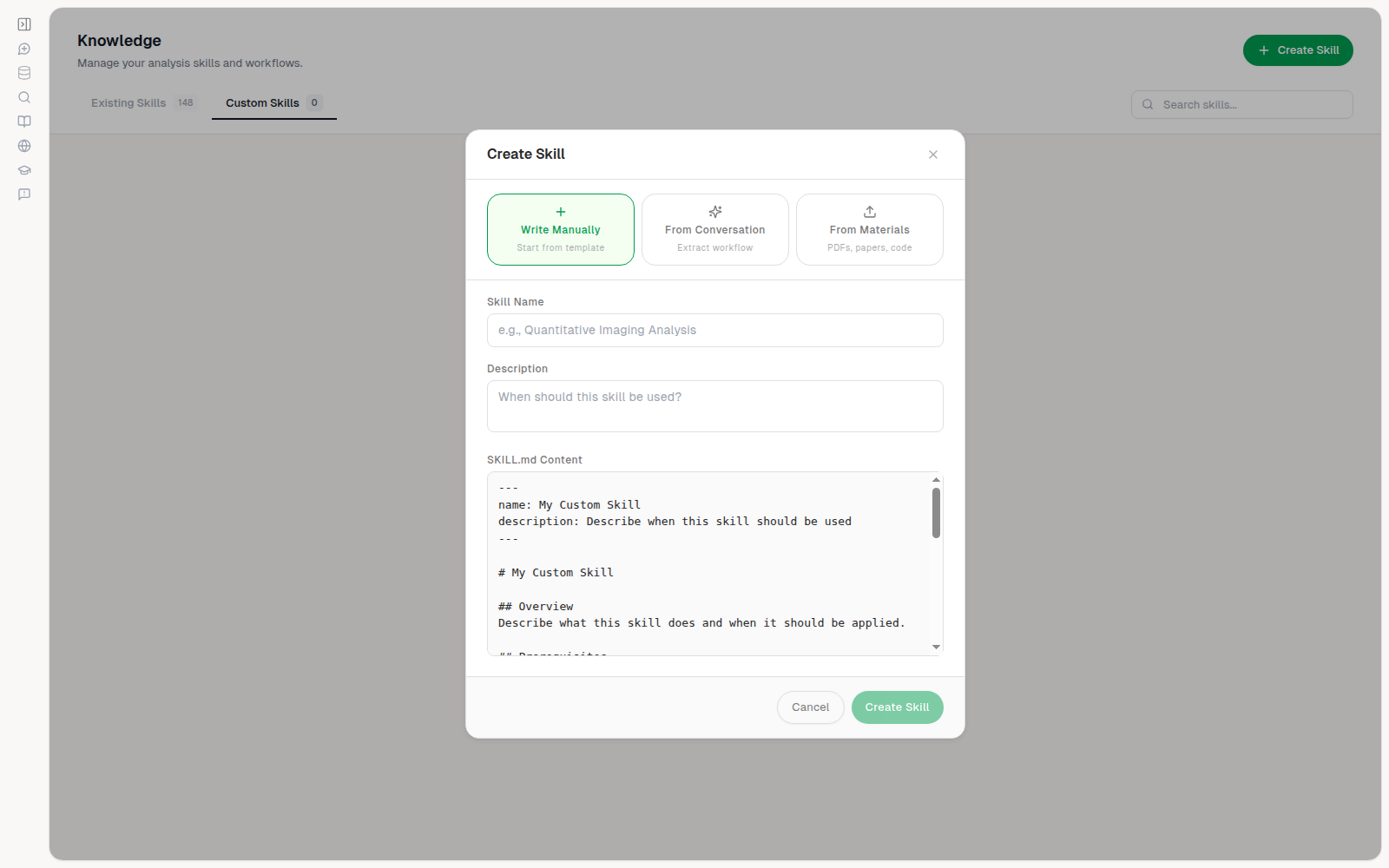
For Write Manually, enter a Skill Name (required) and a Description of when to use it. For the other two options the name is optional, and any instructions go in Guidance (optional).
- Write Manually: edit the template in SKILL.md Content (a short markdown protocol) and click Create Skill.
- From Conversation: Select Conversation, optionally add Guidance (for example "Focus on the QC steps and parameter tuning"), then click Extract with AI. Drylab opens a chat that analyzes the conversation and writes the skill.
- From Materials: upload PDFs, papers or code (up to 50 MB per file) and optionally add Reference Links such as a GitHub repository, DOI, PubMed, arXiv or bioRxiv link. Then click Upload & Create (or Create from Materials if you only added links). Drylab opens a chat that drafts the skill.
When Drylab finishes, the new skill appears under Custom Skills.
Edit and version a skill
Click a custom skill to open it.
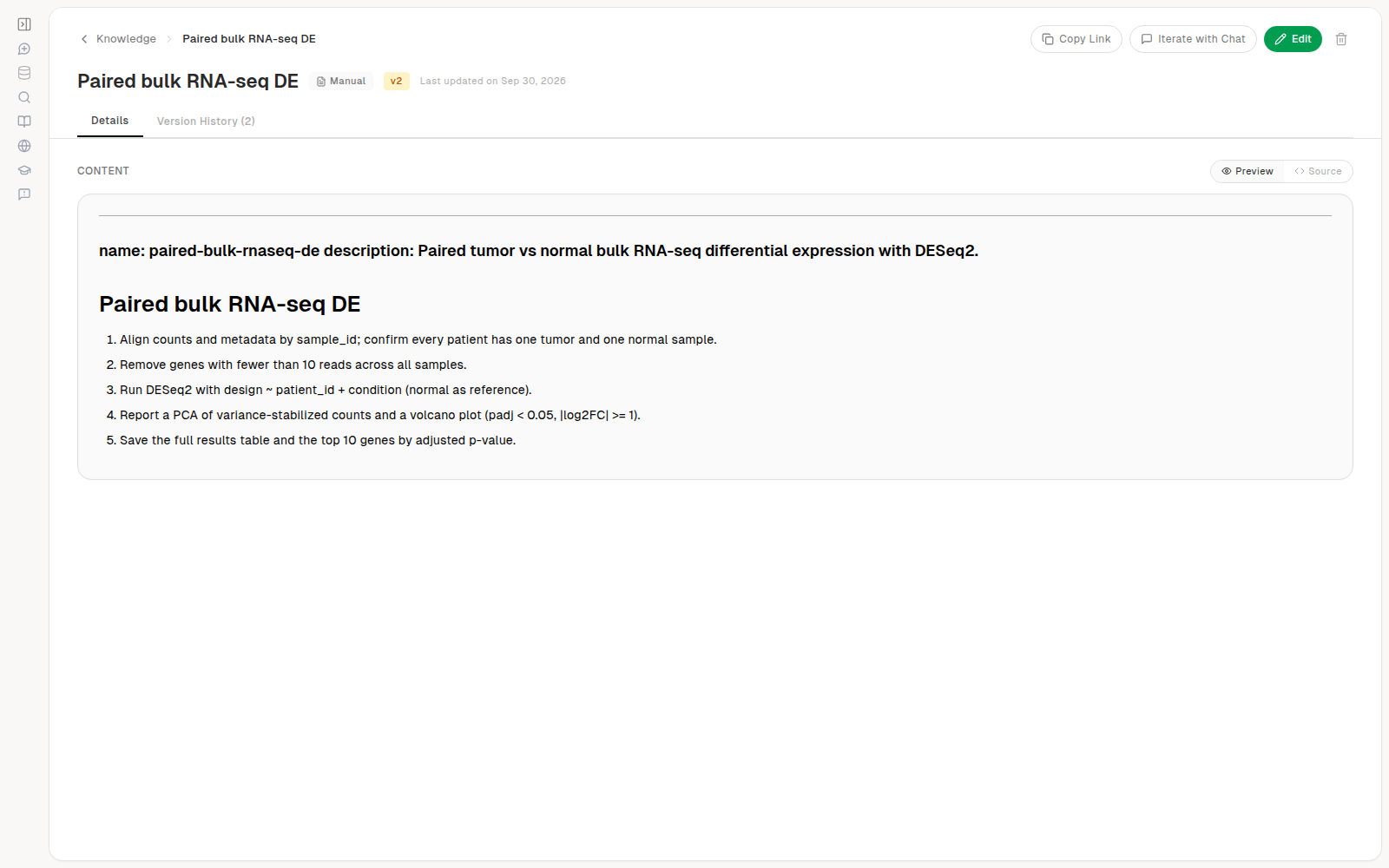
- Edit to change the name, description or content, then Save. Saving a change to the content creates a new version.
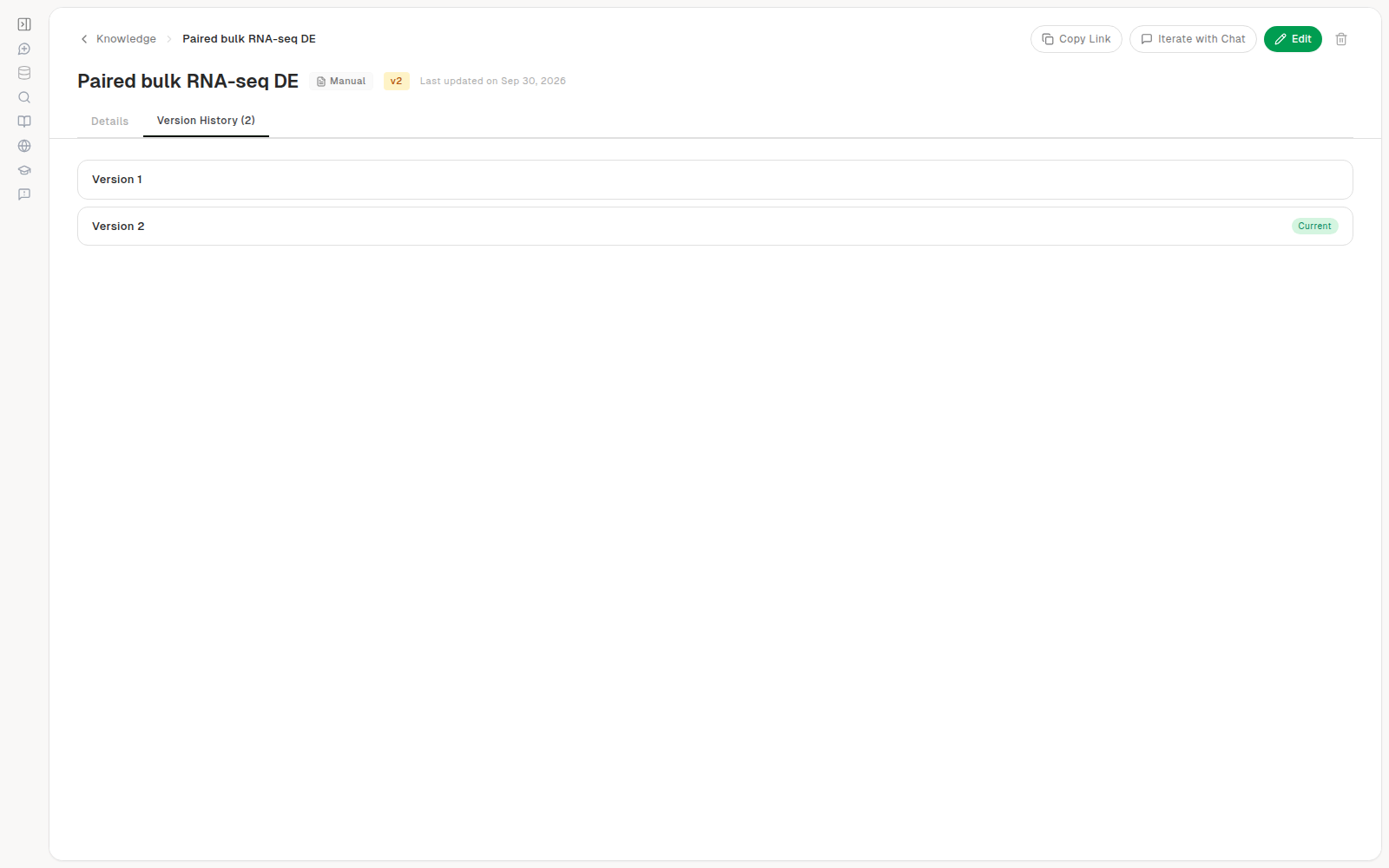
- Version History lists every version. Open one to see its content. Click Restore to load it into the editor, then Save; this adds a new version and keeps the history.
- Iterate with Chat reopens the chat that created the skill, to improve it with Drylab's help.
- Copy Link copies a direct link to this skill. Only you can open it.
- The trash icon deletes the skill. Delete Skill asks you to confirm, and all versions and files are permanently removed.
Tips
- Keep each skill focused on one kind of analysis, and say in the description when it applies ("Use for paired tumor vs normal bulk RNA-seq").
- Include the thresholds and checks your lab relies on, so Drylab applies them consistently.
- Related: Structured Workflows are guided analyses that pause for your decisions, while skills are guidance Drylab follows on its own.