
Create an Account
Sign up for Drylab with your email, verify it, and complete the short welcome questionnaire.
Creating a Drylab account takes about two minutes: enter your email, choose a password, verify your email, then tell us a little about your research so Drylab can tailor examples to your field.
1. Enter your email
Open app.thedrylab.com. Under Get Started, enter your work or university email and click Continue. Addresses with + aliases and temporary email services aren't accepted.
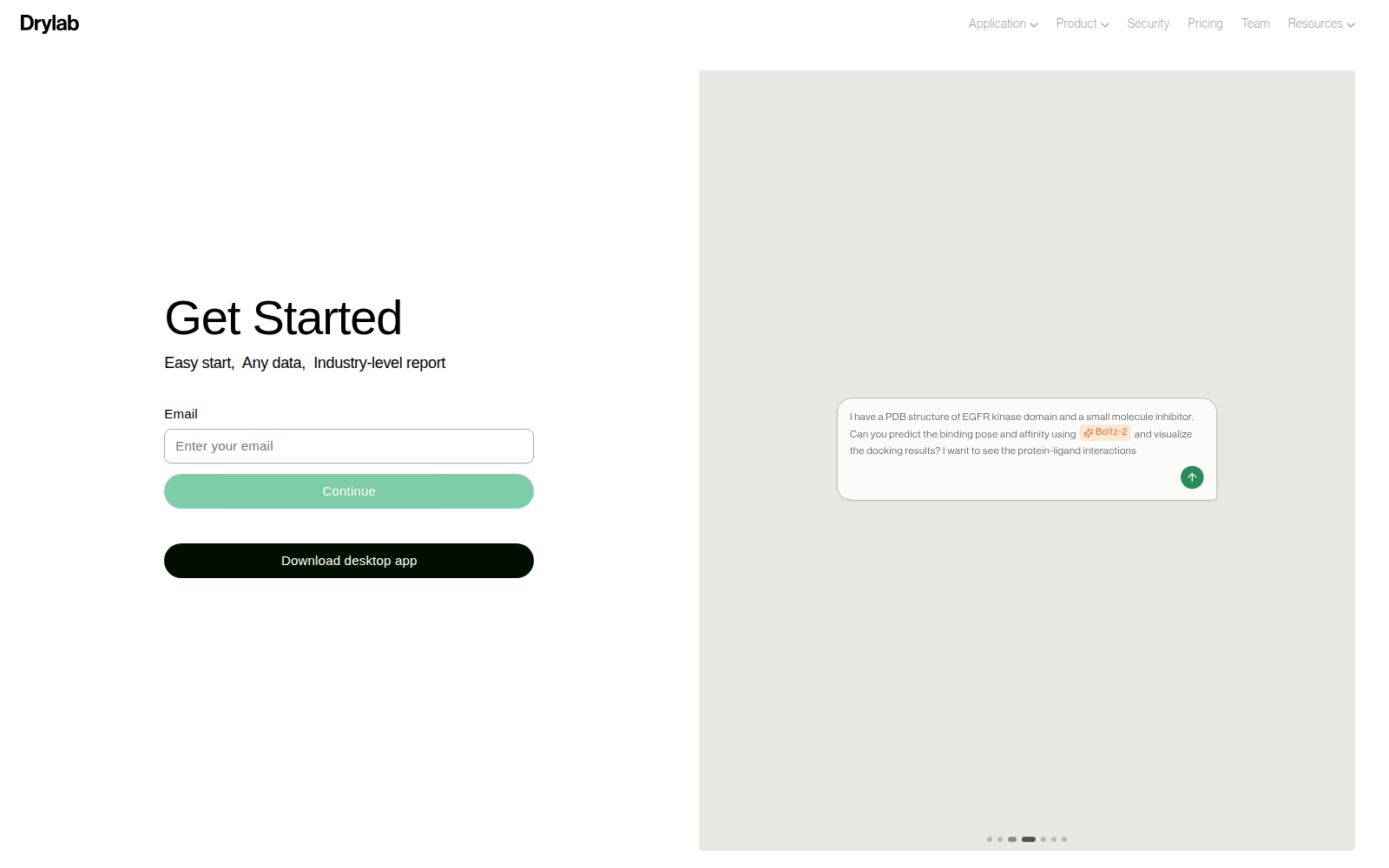
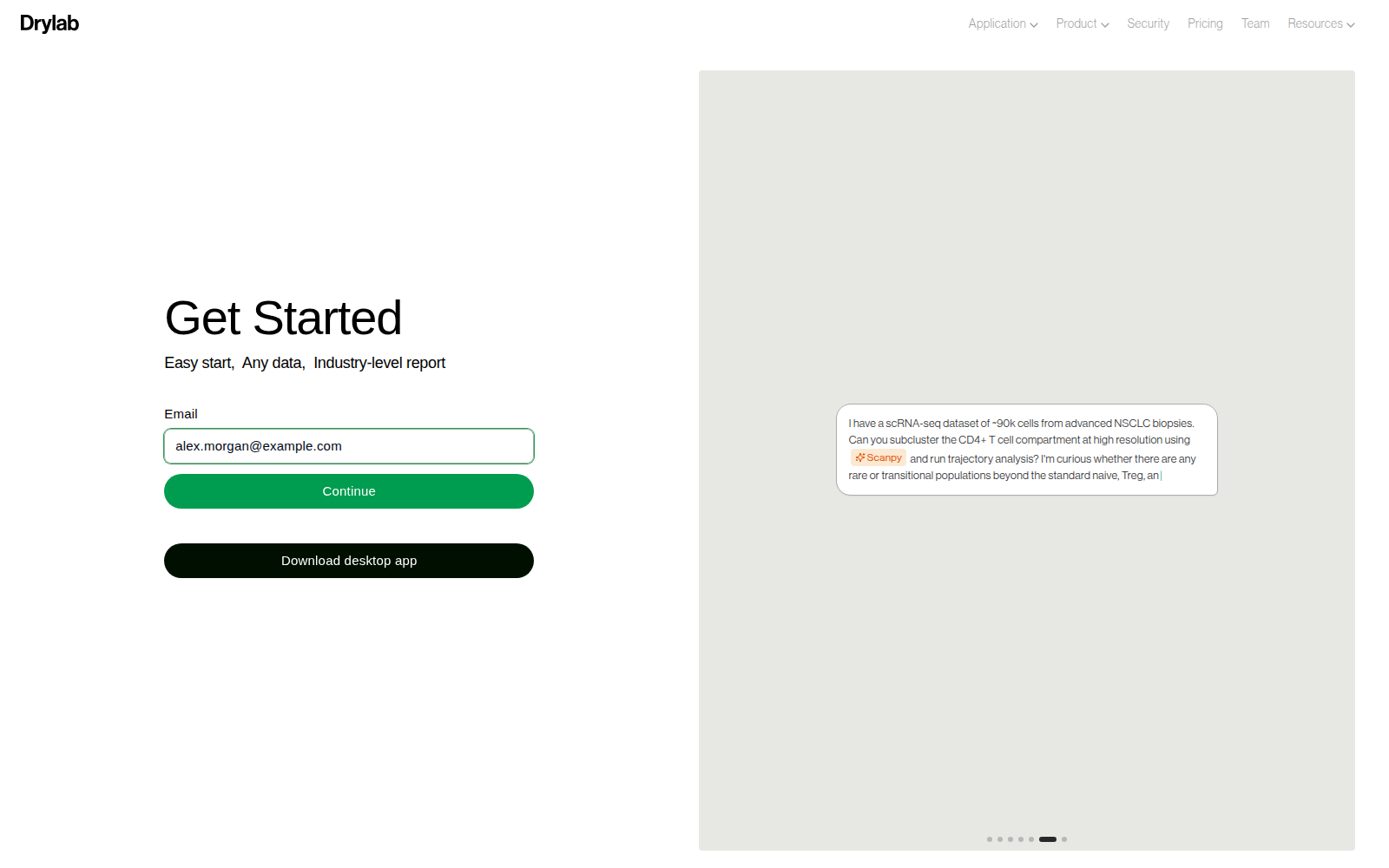
If the email already has an account, Drylab asks for your password instead. See Log In.
2. Choose a password
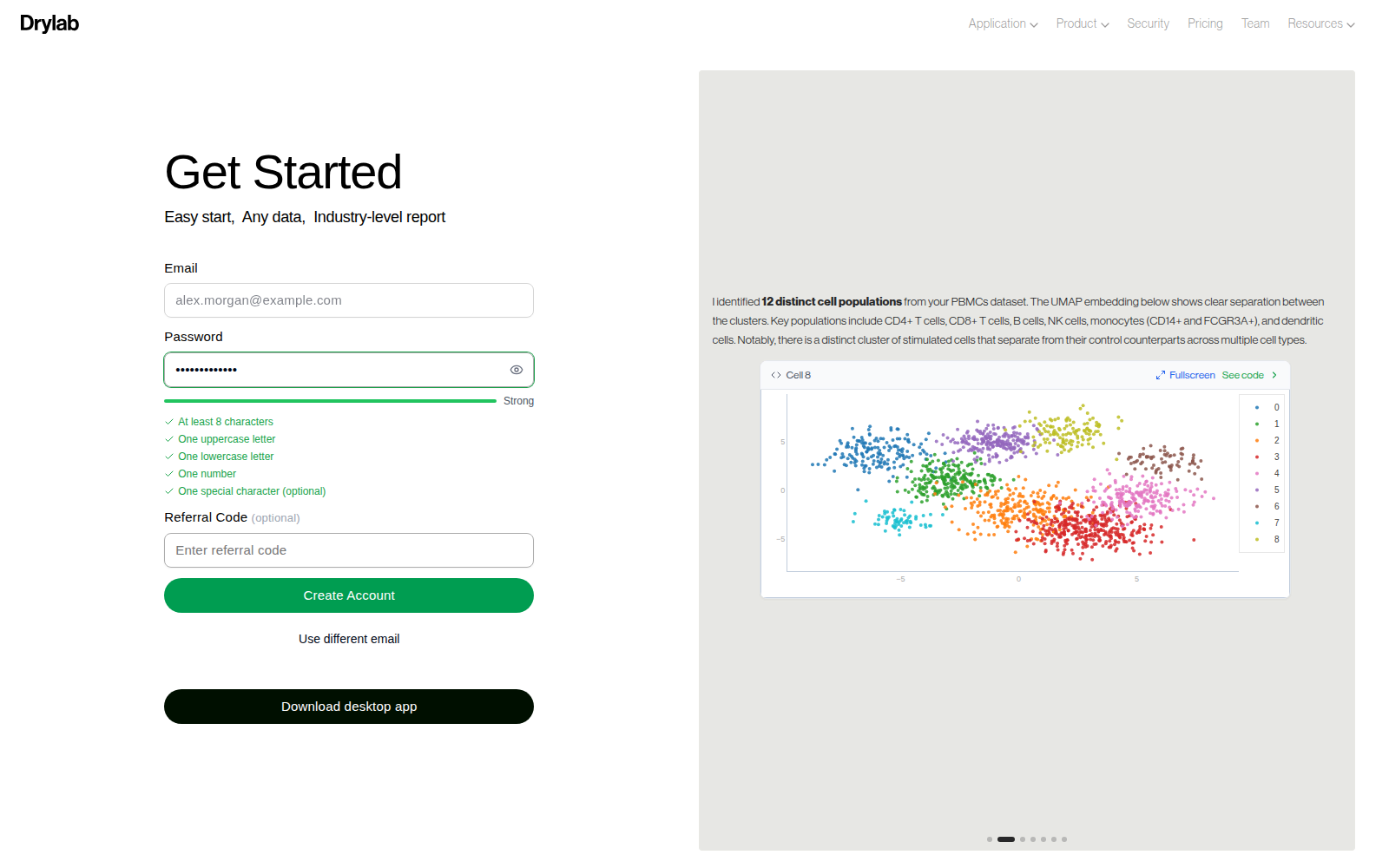
Enter a password. The checklist under the field turns green as each rule is met:
- At least 8 characters
- One uppercase letter
- One lowercase letter
- One number
- One special character (optional, makes the password stronger)
If a colleague shared a referral code, enter it in Referral Code (optional). Then click Create Account.
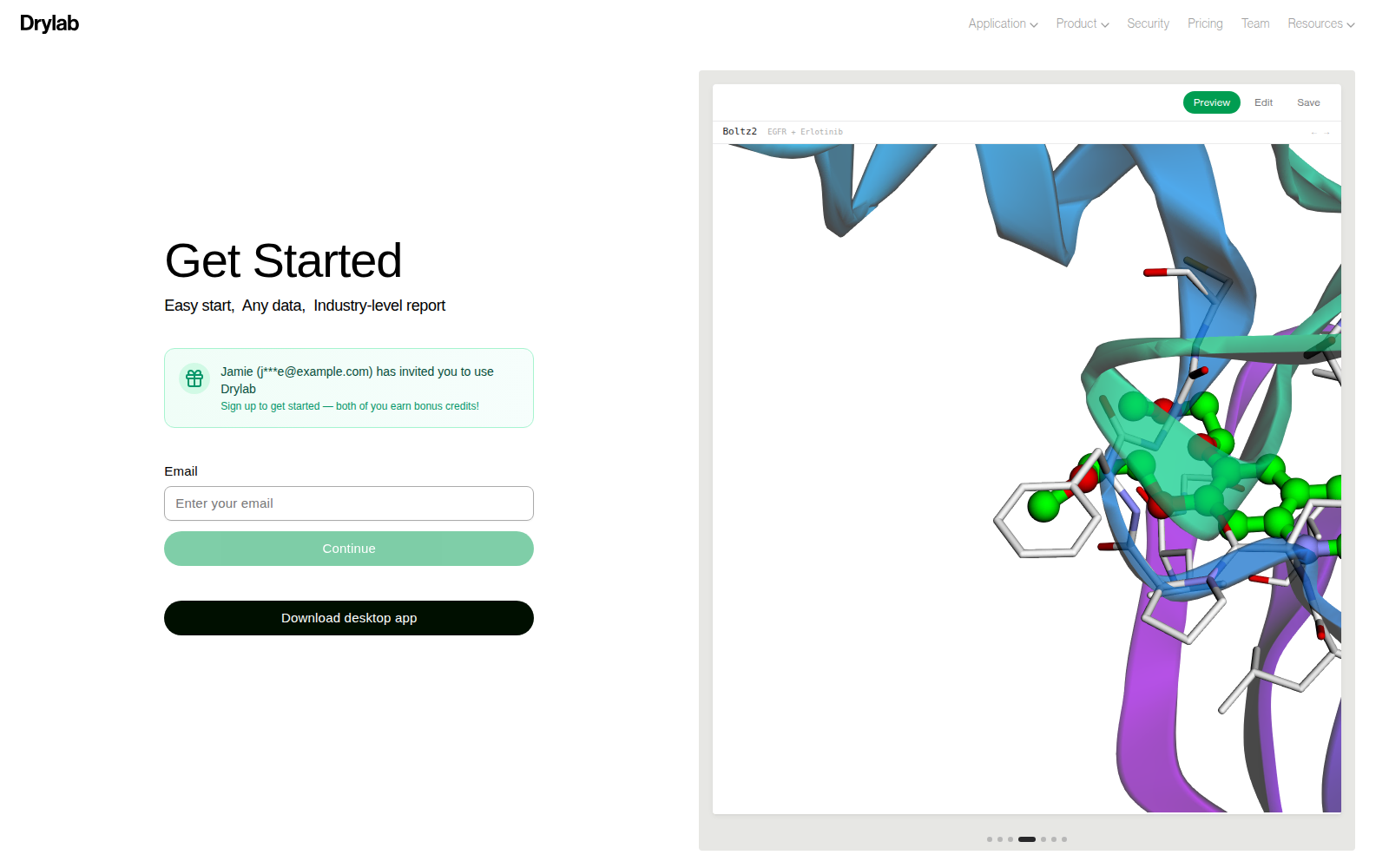
If a colleague sent you their referral link, the sign-up screen shows who invited you and applies their code automatically. Continue with your email as usual.
3. Verify your email
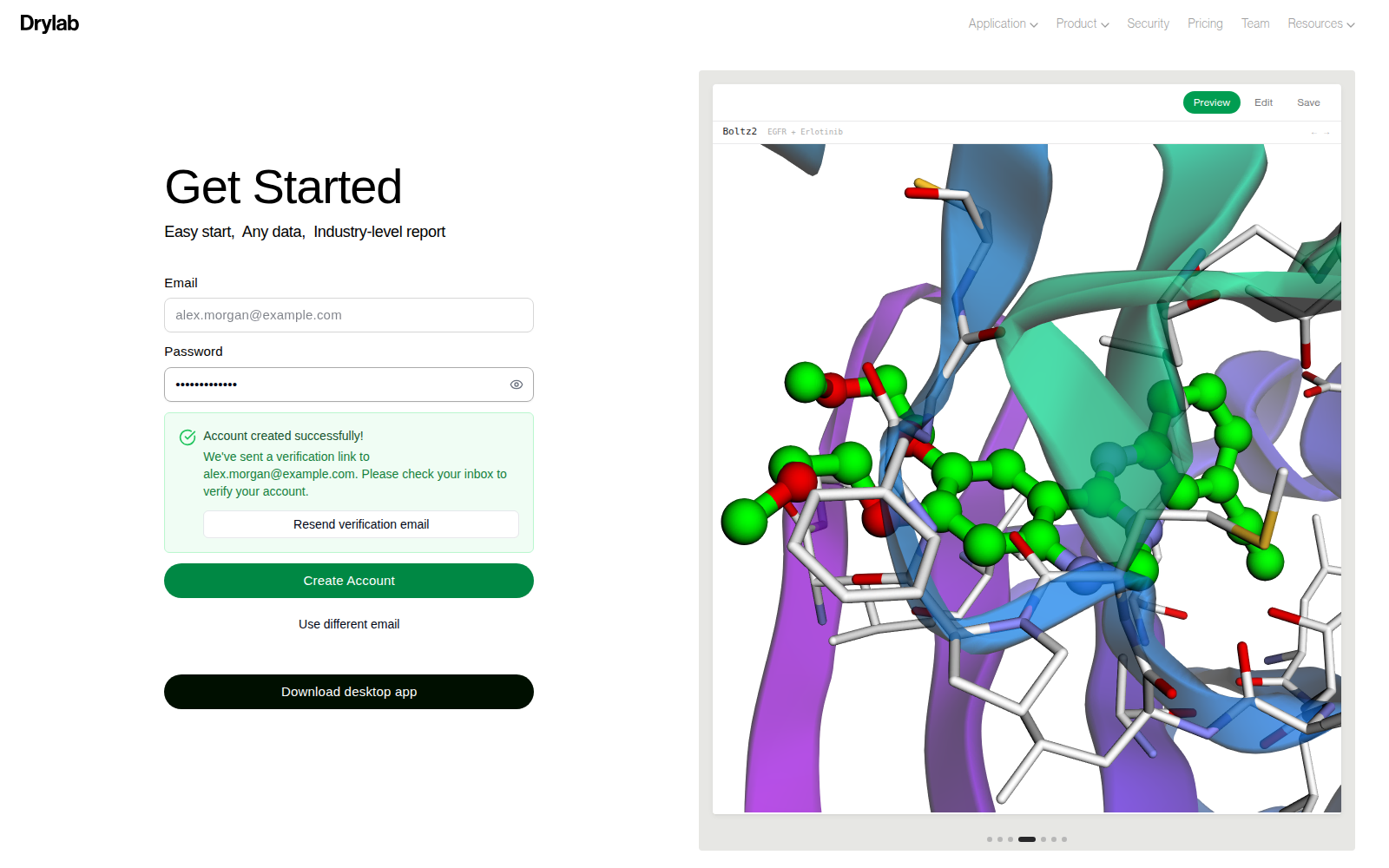
Drylab sends a verification link to your inbox and shows Account created successfully!.
- Open the email from Drylab and click the verification link.
- You will see Email Verified! and be taken into the app.
The link is valid for 7 days. If you can't find the email:
- Check your spam or promotions folder.
- Click Resend verification email on the sign-in screen.
- Click Use different email if you typed the address incorrectly.
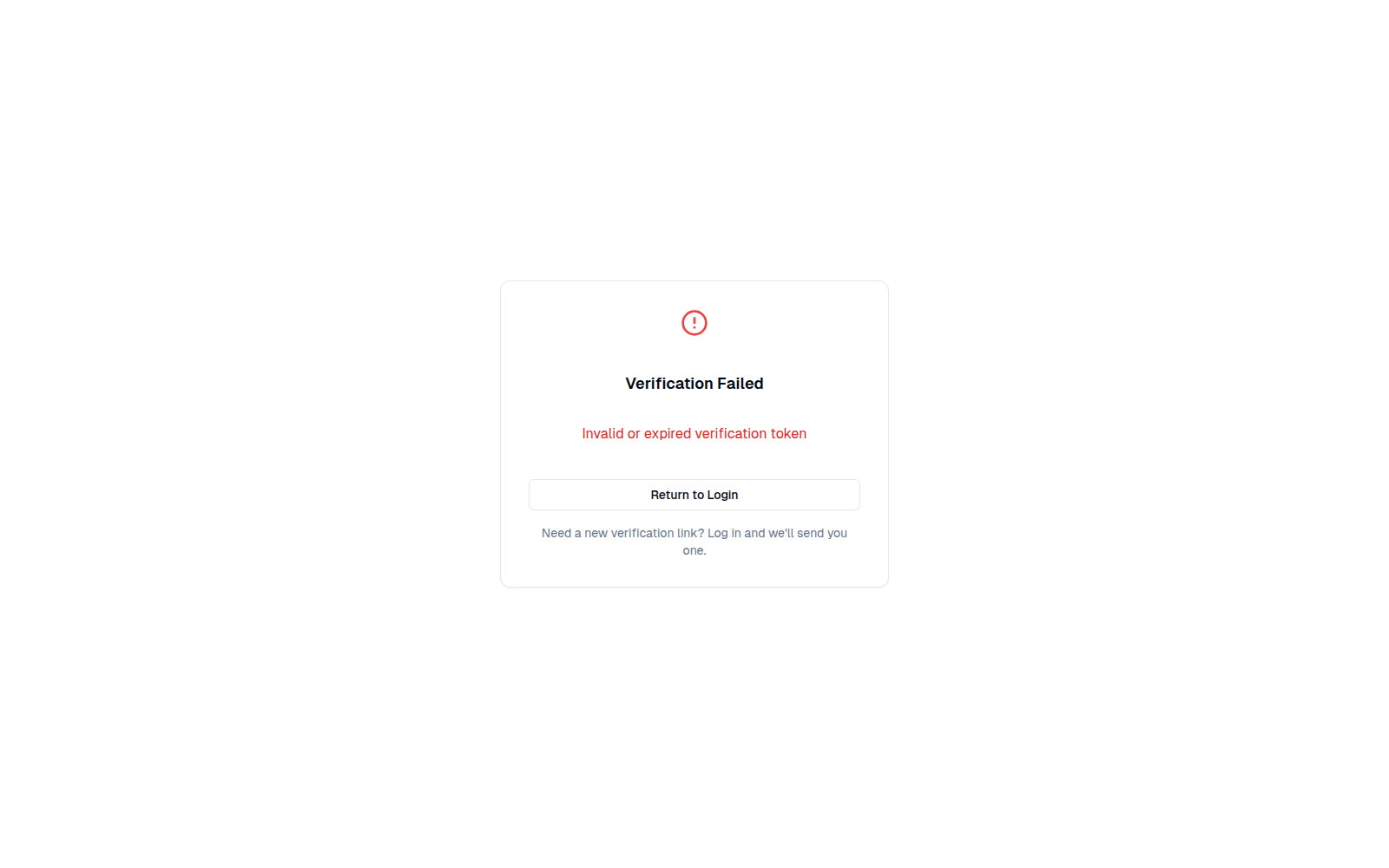
If a link has expired or was already used, you will see Verification Failed. Sign in again, then click Resend verification email to get a new link.
4. Welcome to Drylab
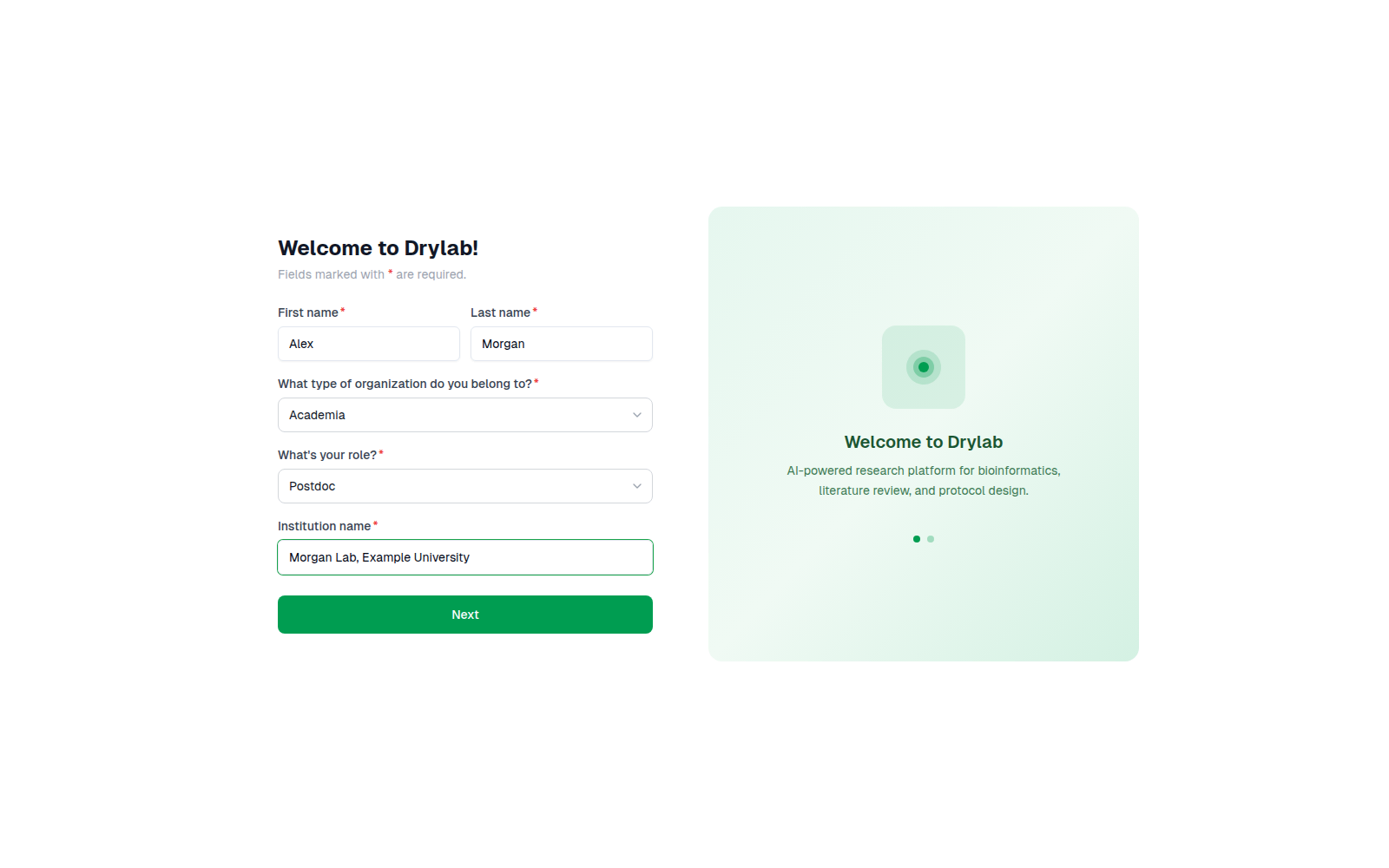
After verifying, a two-step welcome form appears. Fields marked with * are required.
Welcome to Drylab! Enter your first and last name, the type of organization you belong to (for example Academia, Industry, Government or Non-profit), your role, and your institution name. Click Next.
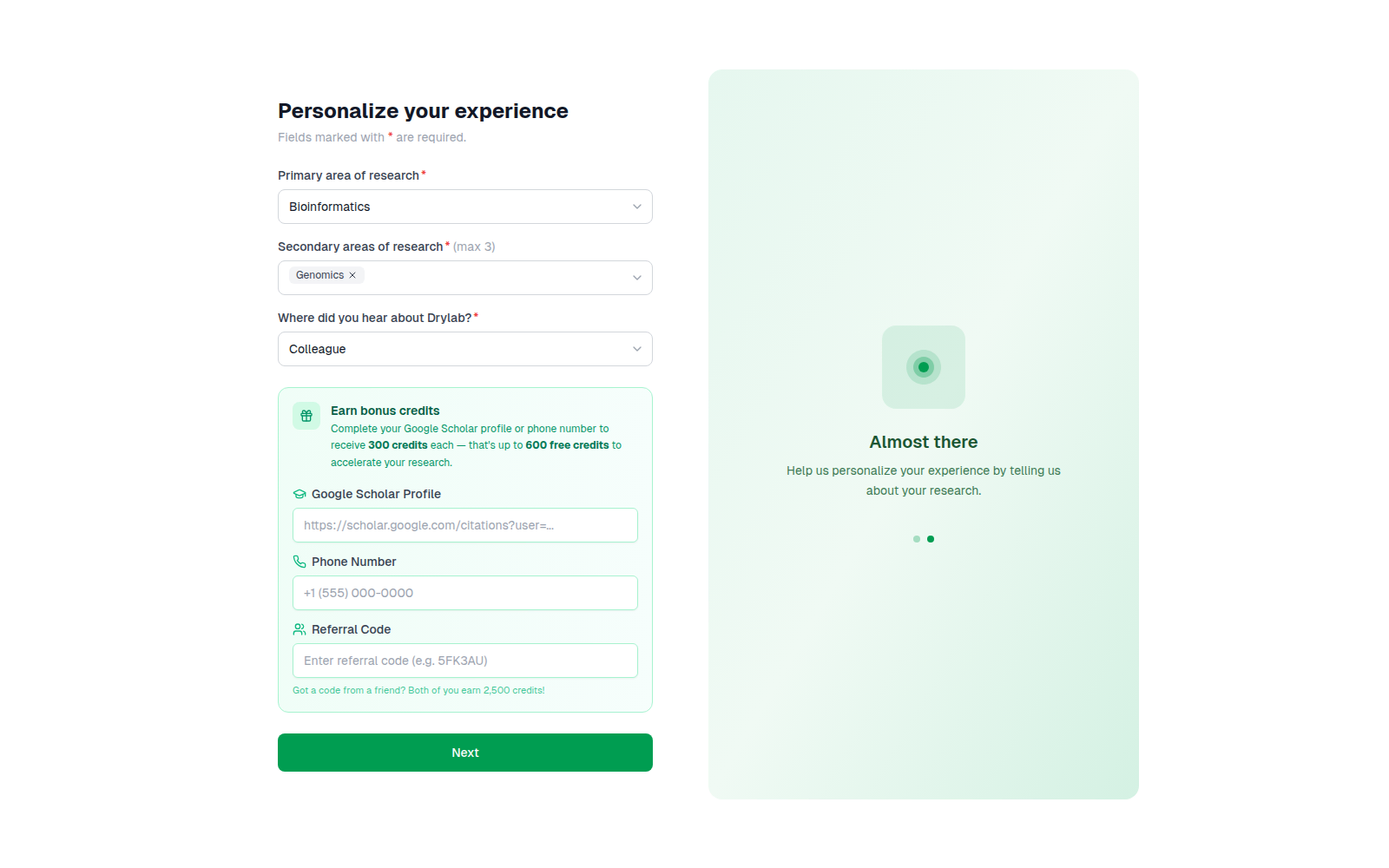
Personalize your experience. Choose your primary area of research, one to three secondary areas, and where you heard about Drylab.
Under Earn bonus credits you can optionally add:
- Google Scholar Profile: 300 credits
- Phone Number: 300 credits
- Referral Code: 2,500 credits for you and the friend who referred you. This field is hidden if a code was already applied when you signed up.
Click Next to open your workspace.
Referral credits are added after your email is verified. Some referrals are reviewed before the credits are approved.
Invite colleagues
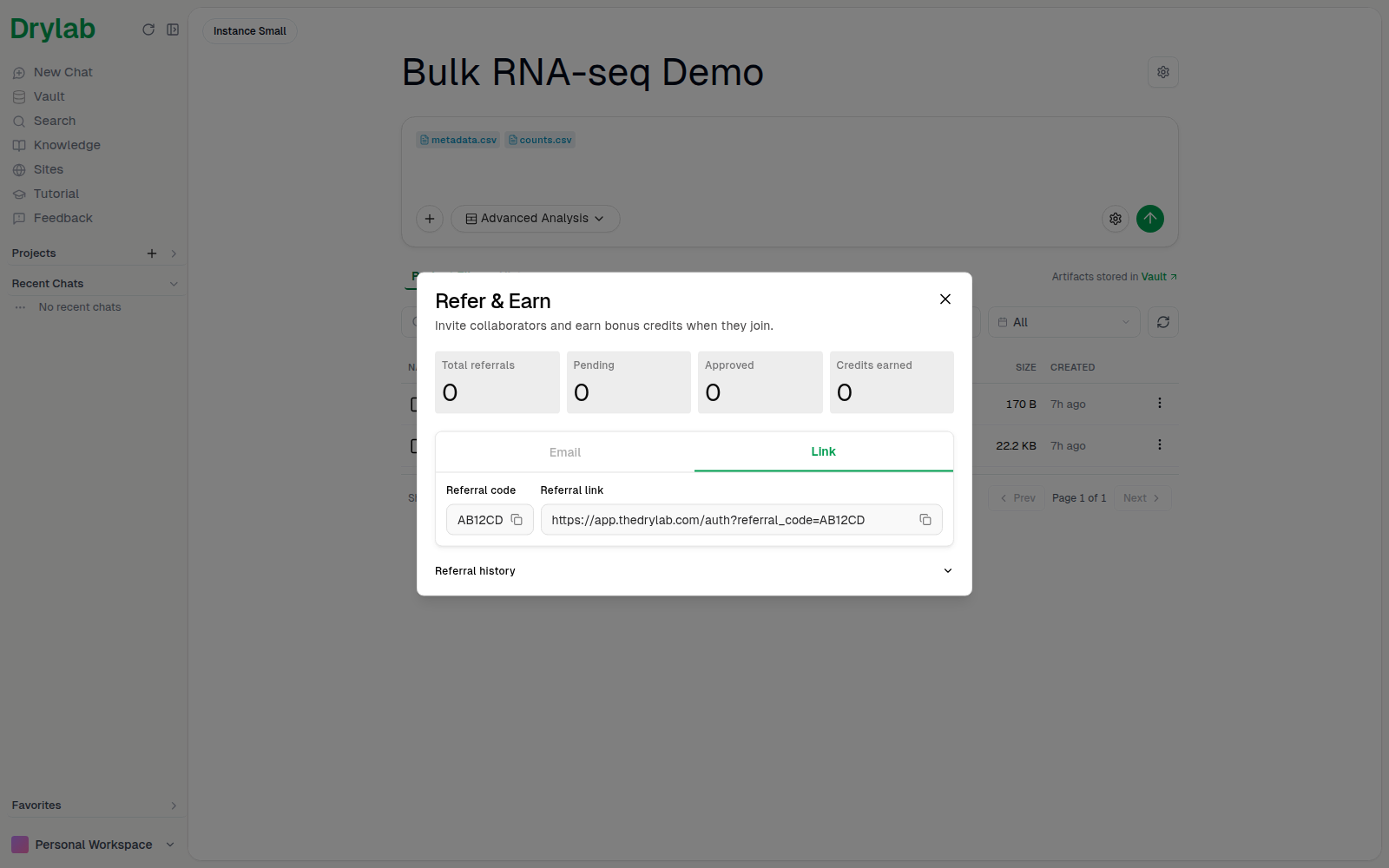
Open your profile menu at the bottom of the left sidebar and choose Refer & Earn. Send invitations by Email, or open the Link tab to copy your Referral code and Referral link. The page also shows your total, pending and approved referrals and the credits you've earned.
Sign up with Google
On app.thedrylab.com you can also click Continue with Google under OR CONTINUE WITH. Google accounts are verified automatically, so you skip step 3. If you later try to sign in with a password for that email, Drylab reminds you to use the Google button.