
Notebook
Add a New Cell
Add code or markdown cells to the notebook yourself, or ask Drylab to add them.
Add a cell yourself
- Switch the notebook to Edit mode.
- Click Add Cell in the notebook toolbar and choose Code or Markdown. The new cell is added below the cell you last selected, or at the top if none is selected.
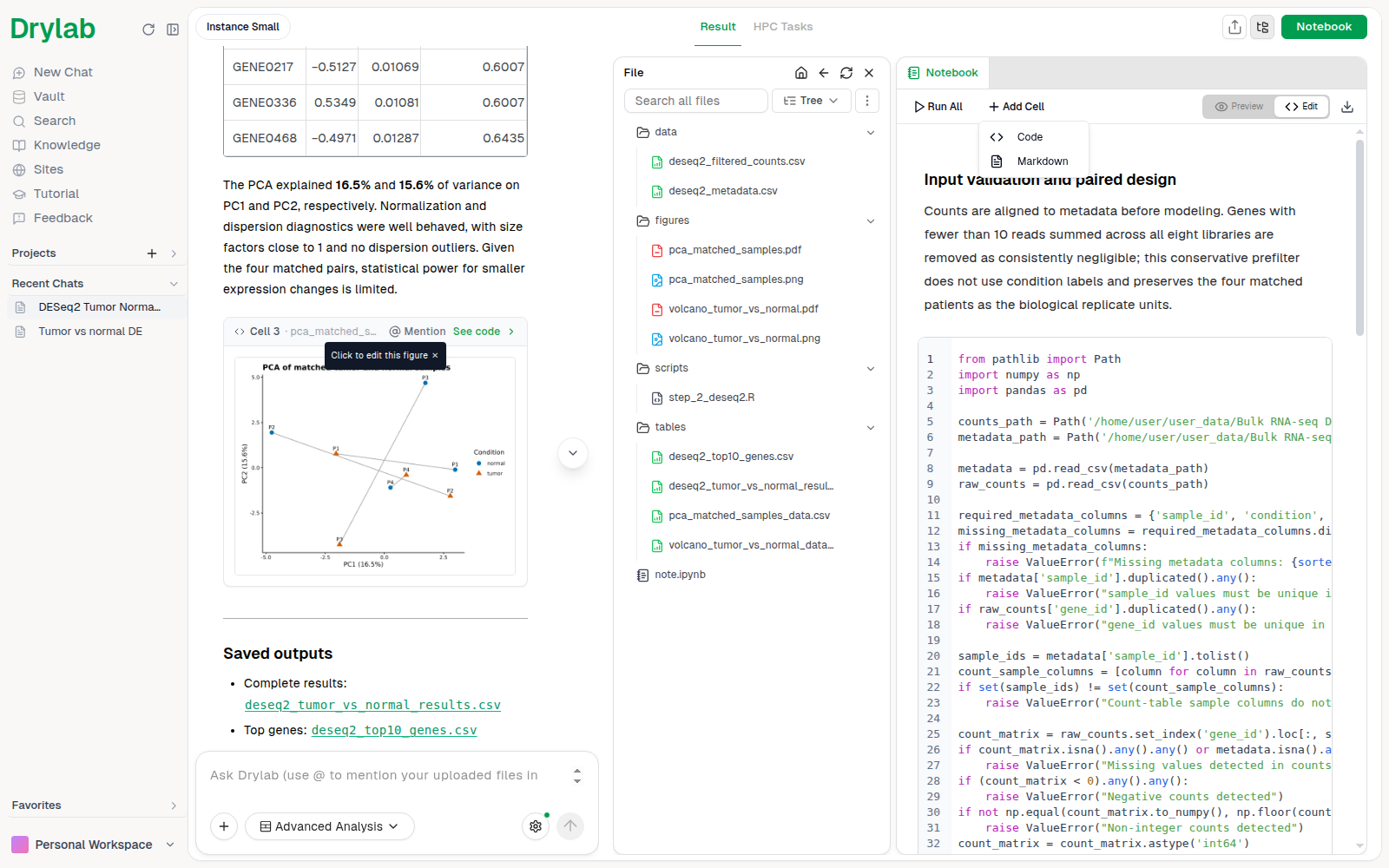
To insert a cell between two existing cells, hover the bottom centre of the cell above. A small Code / Markdown pill appears; click one to insert that type of cell right below.
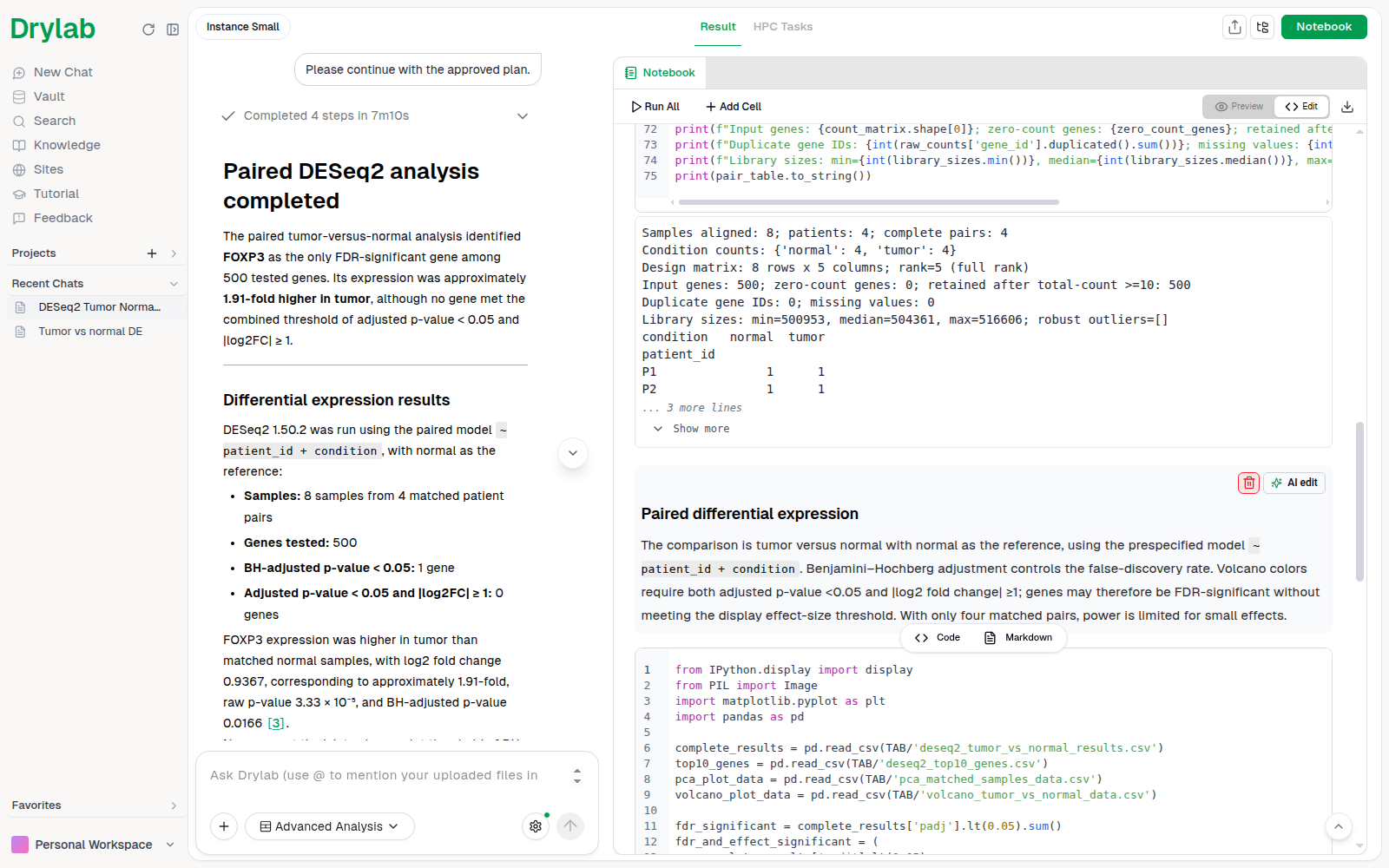
Ask Drylab to add a cell
Describe what you want in the chat and Drylab adds a properly formatted cell to the notebook (usually at the end). For example:
| What you type | What gets added |
|---|---|
| "Add a markdown cell explaining the volcano plot" | A markdown cell with the explanation |
| "Add a cell that saves the top 50 genes to a CSV" | A code cell that writes the file to the chat folder |
| "Add a section header for Pathway Enrichment" | A markdown cell with ## Pathway Enrichment |
| "Install gseapy and load it" | A code cell that installs and imports the package |