
Select a Sandbox
Choose the machine your analysis runs on: a Drylab cloud instance or your own local runtime.
The sandbox is the machine your analysis code runs on. By default, Drylab runs on a cloud Instance Small. You can switch to a bigger instance for heavy jobs, or to your own machine with a local runtime.
Open the sandbox selector
Click the sandbox button at the top of the page (it shows the current sandbox, for example Instance Small). The Select Sandbox list shows the cloud instances your plan includes and your local runtimes.
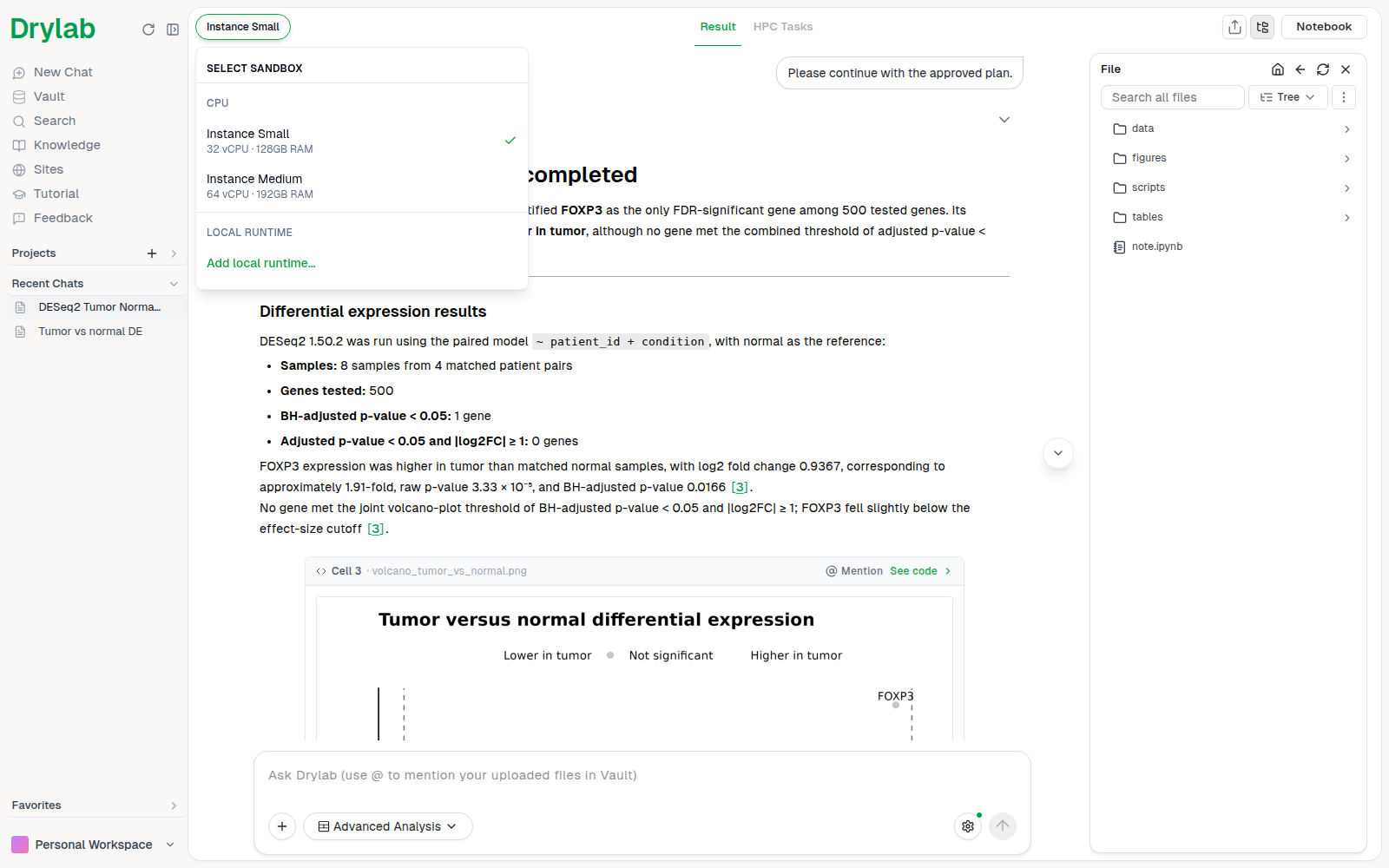
- CPU: Drylab cloud instances.
- GPU: cloud GPU instances. These aren't offered right now; the group appears here once they are.
- Local Runtime: machines you connected yourself. Click Add local runtime… to set one up.
Cloud instances
| Instance | CPU | RAM | GPU | Best for |
|---|---|---|---|---|
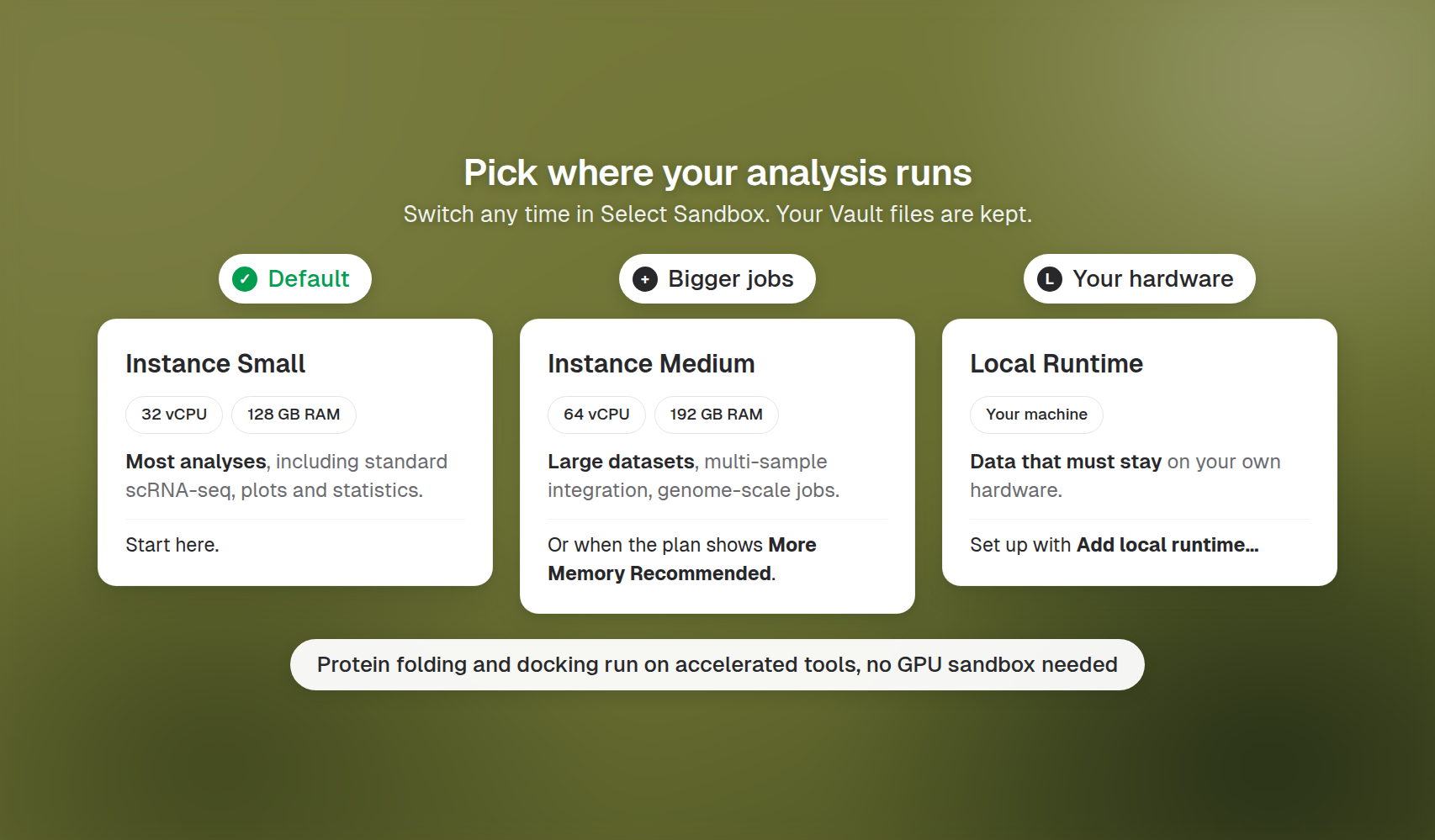
| Instance Small (default) | 32 vCPU | 128 GB | None | Most analyses, including standard scRNA-seq |
| Instance Medium | 64 vCPU | 192 GB | None | Large datasets, multi-sample integration, genome-scale jobs |
Cloud GPU sandboxes aren't offered right now.
When to switch
| Situation | Suggested sandbox |
|---|---|
| Exploring data, plots, statistics | Instance Small |
| scRNA-seq with many samples or >200k cells | Instance Medium |
| Drylab shows More Memory Recommended on the plan | Instance Medium (click Approve with ...) |
| Data that must stay on your own hardware | A local runtime |
Switching during a chat
Pick another sandbox in Select Sandbox at any time. Your files in the Vault are kept. Variables held in memory by the previous sandbox aren't carried over, so rerun the notebook if you need them.
Chats stay tied to where they started: a cloud chat needs a cloud sandbox, and a local-runtime chat needs that same machine. Otherwise the chat opens in View Only Mode until you switch back.