
Reset and Uninstall
Reset the Drylab Desktop analysis environment, and remove the app on macOS, Windows and Ubuntu.
Reset the environment
Reset when the local analysis environment is stuck, for example if analyses never start, or setup keeps failing after a Retry.
- Go to Get started (click Open new project in the sidebar if a project is open).
- Click Reset environment at the bottom left, next to the version number. The same link is on the setup screens.
- Read the warning and click Reset environment to confirm.
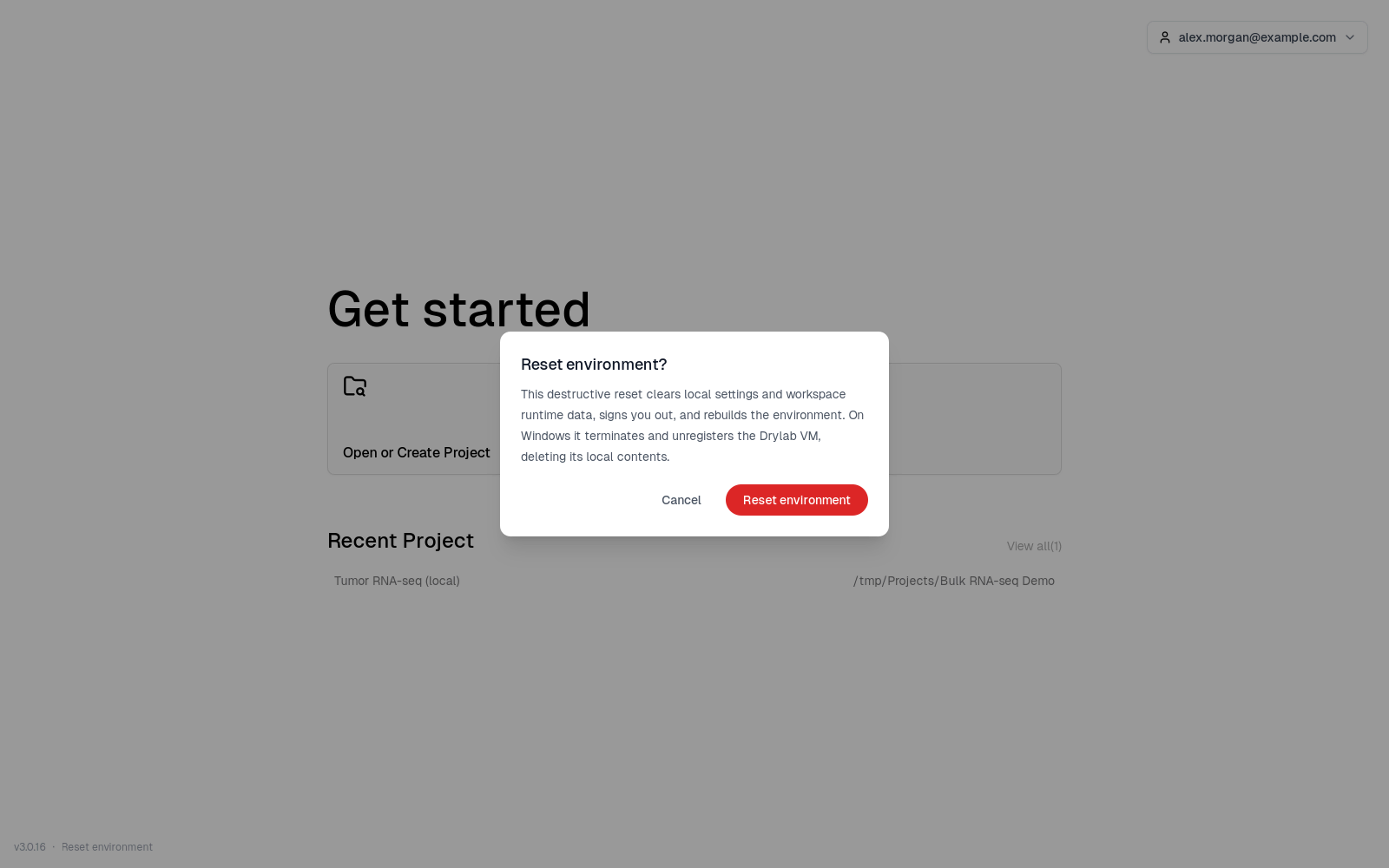
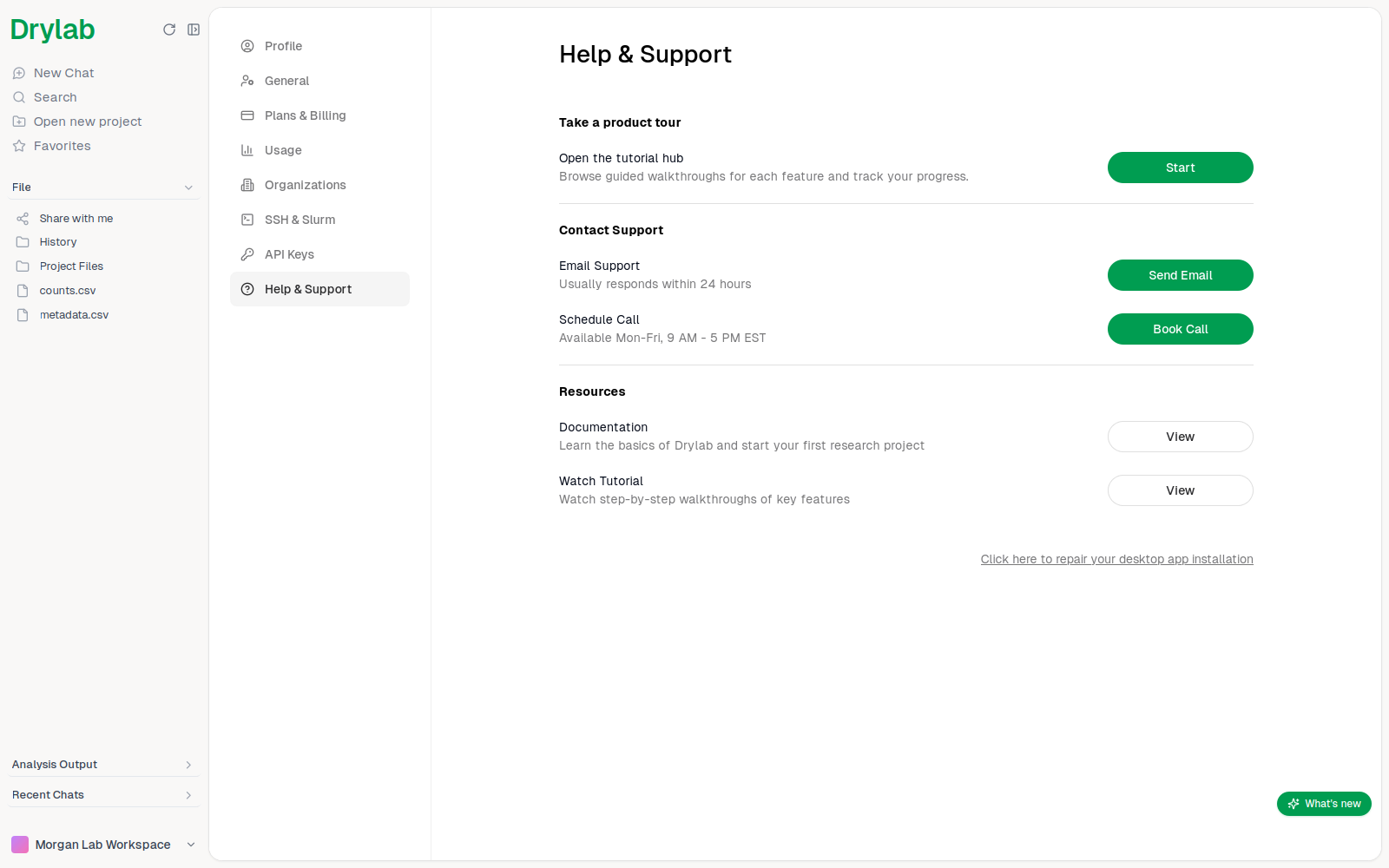
History and Project Files, are not deleted.In the Desktop App, Settings → Help & Support also has Click here to repair your desktop app installation. It does the same reset, signs you out right away and doesn't ask for confirmation.
Repair on Windows
If a setup step fails on Windows, the error screen also offers Repair installation. Unlike a reset, it keeps your settings and analysis environment: it reopens the administrator setup window to fix the Windows features Drylab needs. Approve the Windows permission prompt and follow the setup window.
Uninstall
Uninstalling never deletes your project folders.
Open Terminal and run:
sudo /Library/Logs/DryLabDesktop/uninstall.shThis removes the app, its analysis environment and its local data. Add --purge to also remove the logs.
Open Settings → Apps, find Drylab Desktop and click Uninstall.
Also delete my Drylab VM and local data. is ticked by default. Leave it ticked to remove the analysis environment and everything stored in it (this can't be undone), or untick it to keep them for a later reinstall. Then click Uninstall.
Run:
sudo apt remove drylab-desktopThis removes the app and the analysis environments it created. Docker itself is kept.
Work with Local Files
Add files from your computer to a Drylab Desktop project without uploading them, then find, preview and open them, and the results Drylab saves next to them.
Troubleshooting the Desktop App
Fix common Drylab Desktop problems: install and setup errors, projects that won't open, analyses that won't start and updates.