
Data Connector
Bring data that already lives in your cloud storage or on another platform into Drylab, without uploading it by hand.
Your data often already lives somewhere else: in a cloud bucket your lab pays for, or in a project on another bioinformatics platform. Data Connector links those places to Drylab, so you can analyze the data without downloading and re-uploading it.
Two ways to connect
| Mount cloud storage | Sync from a platform | |
|---|---|---|
| What it does | Attaches a bucket you own to the space where your analyses run. Nothing is copied. | Copies the files you choose into your Vault. The originals are never changed or removed. |
| Providers today | Amazon S3 | Seven Bridges |
| Coming soon | Google Cloud Storage, Azure Blob Storage | More platforms |
| Uses Vault storage | No, the data stays in your bucket | Yes, synced files count toward your storage |
| Best for | Large datasets, data that must stay in your account | Moving a project's files into Drylab |
| Guide | Mount Cloud Storage | Sync from Platforms |
Open Data Connector
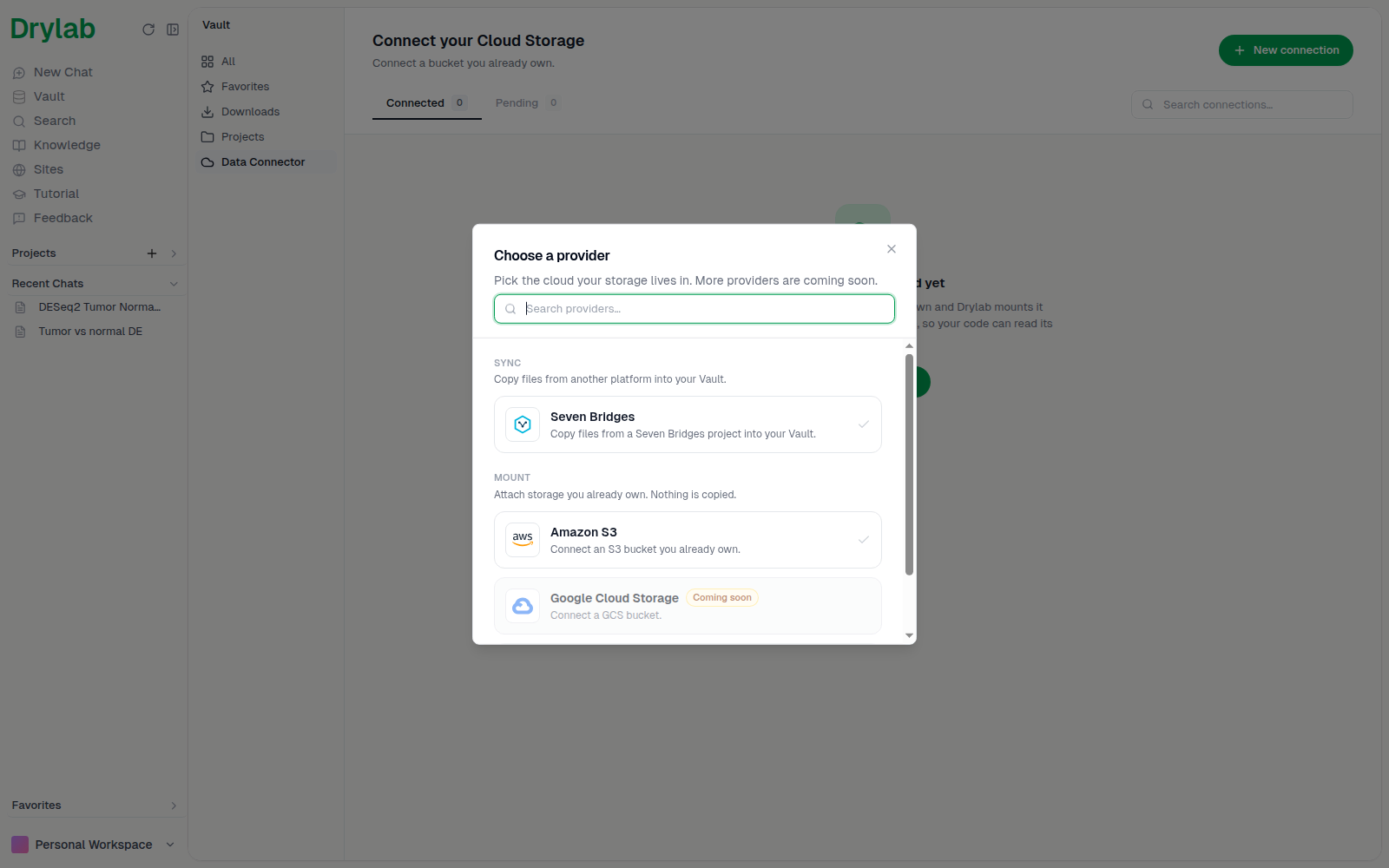
Open Vault > Data Connector and click New connection.
Choose a provider lists every provider in two groups: Mount ("Attach storage you already own. Nothing is copied.") and Sync ("Copy files from another platform into your Vault."). Providers marked Coming soon are still being built.
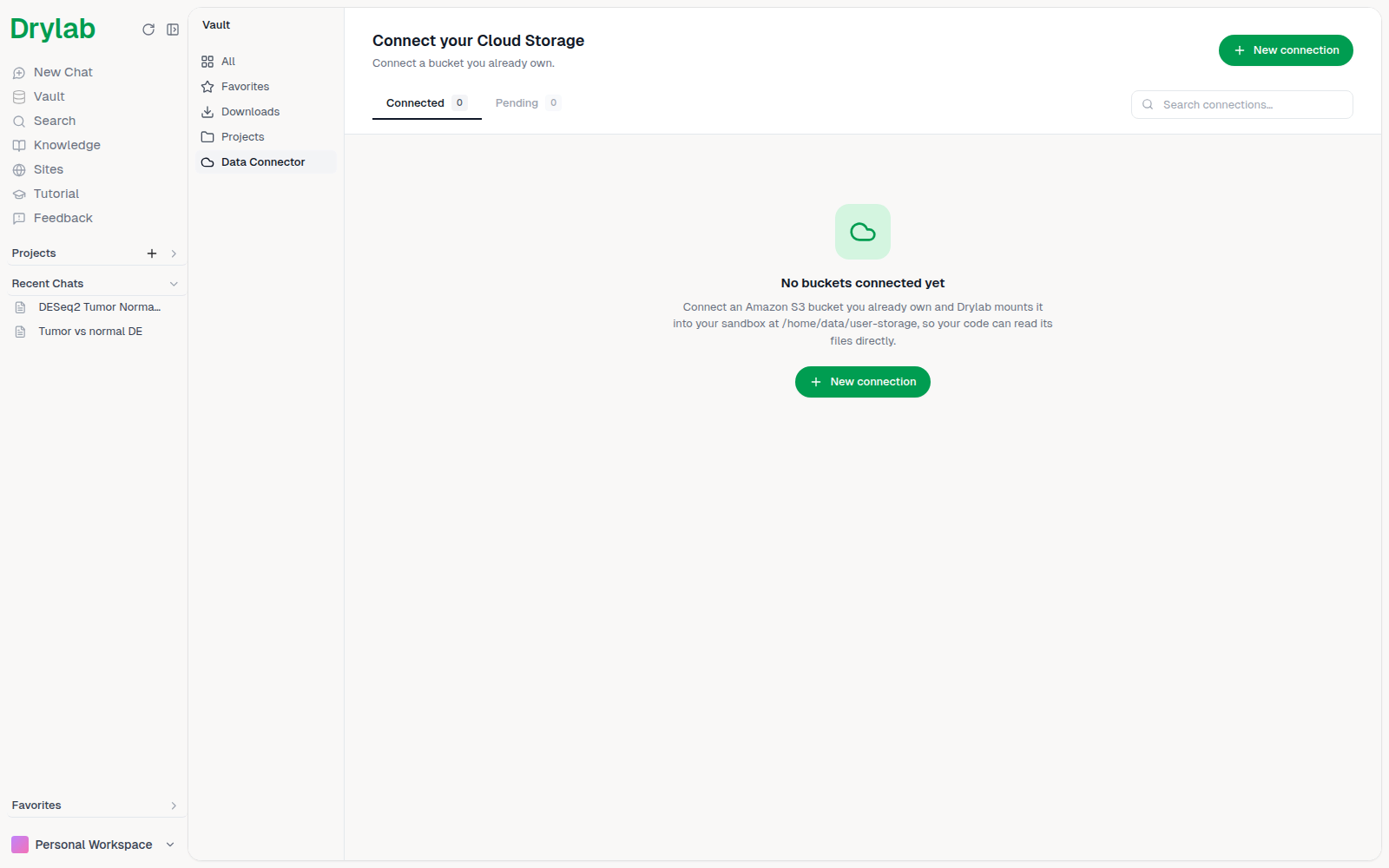
Your connections
Every connection you make appears in Connected, grouped the same way:
- Mount: each bucket shows whether it's Mounted or Not mounted, its access level, and buttons to Mount or Unmount it.
- Sync: each platform connection shows its account and a Browse & sync button.
Use Search connections… to find one quickly.
Use connected data in an analysis
- Mounted buckets appear in the Your Data tab of the
@picker. Mention one, or pick files inside it, to point an analysis at them. See Mention Files and Resources. - Synced files are ordinary Vault files. Mention them with
@like any other file.